





Beyond Intrante - SharePoint Services

Power BI Migration Services

Transform your legacy reporting systems by moving to Power BI. Whether you are working on Qlik, Tableau, SSRS, Cognos, MicroStrategy, or Excel-based reporting, our Power BI migration specialists can help you modernize your data analytics.

  • 150+ Successful BI migrations
  • Microsoft Solutions Partner
  • Zero Reporting Downtime Guarantee
  • Ongoing Support & Optimization

20+

Years of Experience

70%

Improved Reporting

100%

Secure and Compliant

1000+

Projects Completed

Talk to Our Power BI Experts

Some Of Our Power BI Credentials

Power BI Data Analyst Associate
Fabric Analytics Engineer Associate
Azure Fundamentals
Azure AI Fundamentals

Why Migrate to Power BI?

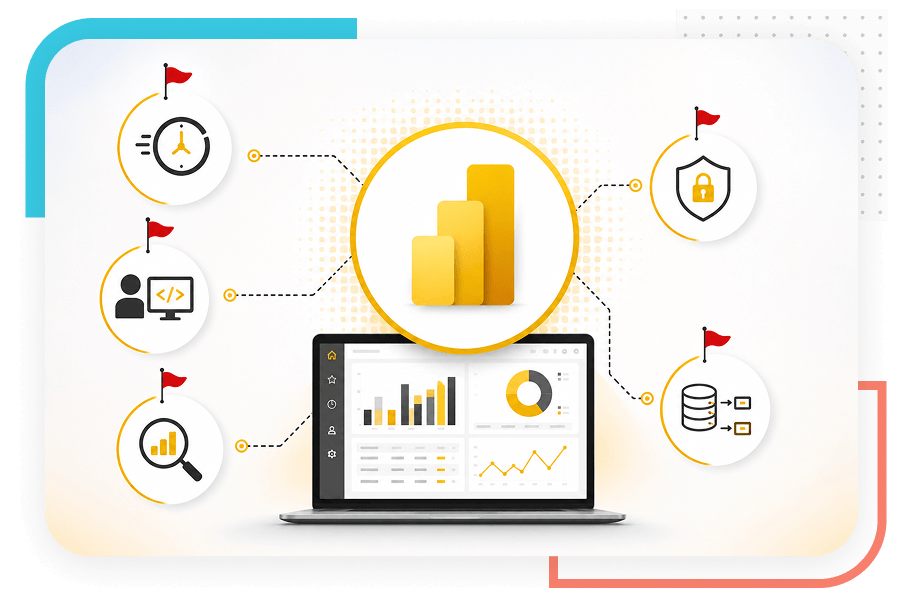
Migrate to Power BI if your legacy system hinders your productivity. Here are the red flags:

  • Taking too much time in consolidating reports and cannot bring them onto one platform?
  • Is it challenging to create dashboards and reports and analyze data while being highly dependent on the IT team?
  • Your legacy system is not letting you leverage natural language queries and advanced analytics capabilities?
  • No role-based access? Inappropriate data governance and security?
  • Are data silos and disconnected insights hampering your decision-making?
Why Migrate to Power BI?

Power BI Migration Services at a Glance

What We Do
Typical Scope
Timeline
Legacy BI-to-Power BI migration
Full report, dataset, and dashboard rebuild
4 – 10 weeks
On-premise to cloud Power BI migration
Gateway elimination, Azure/Fabric hosting
4 – 8 weeks (Tentative)
Migration assessment only
Inventory, complexity scoring, roadmap
2 weeks
Microsoft Fabric migration
Lakehouse, OneLake, Dataflow Gen2
10 – 16 weeks
Post-migration managed support
Optimization, governance, and new development
Ongoing retainer

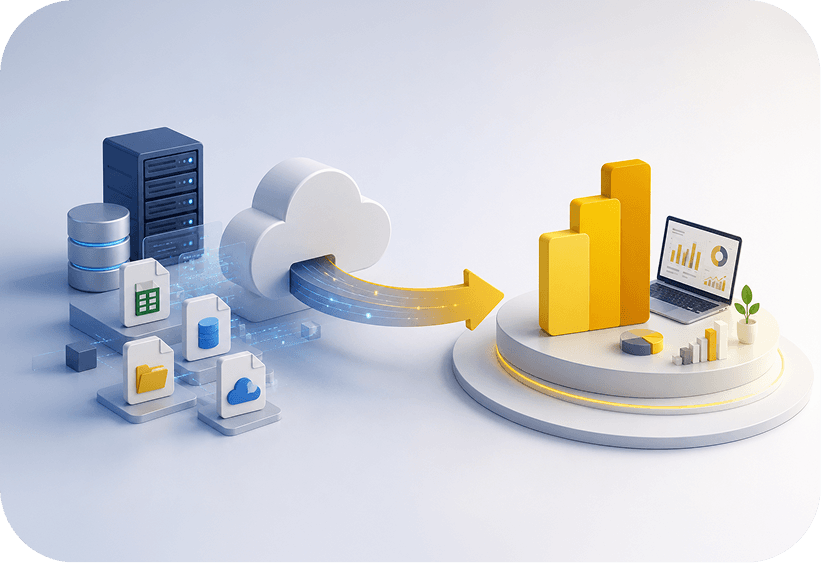
What Are Power BI Migration Services?

Quick Answer: Power BI migration services include a step-by-step structured process of moving company’s data (reports, data pipelines, datasets and more) from legacy platform to Microsoft Power BI. Beyond Intranet helps organizations visualize data insights for smarter decision-making.

A migration is not just a copy-paste job. Every source platform uses a different data modeling paradigm, query language, and visualization framework. SSRS uses RDL; Cognos has its own metadata framework; Tableau has calculated fields and LOD expressions; QlikView uses associative logic that has no direct equivalent in DAX. Our Power BI migration experts understand the intricacies of these platforms and confidently finish the migration process.

Get in Touch with Us
What Are Power BI Migration Services?

Platforms We Migrate to Power BI

We migrate from every major enterprise and mid-market BI platform. Each source tool has its own translation complexity, here is what you need to know.

Tableau to Power BI Migration

Tableau to Power BI migration is the most common request we handle. Tableau's strength is its drag-and-drop flexibility; Power BI's strength is its deep integration with the Microsoft ecosystem and its semantic model layer. The translation is not one-to-one: Tableau's LOD expressions become DAX CALCULATE patterns; Tableau's data extracts become Power BI dataflows or Direct Lake datasets; Tableau Server workbooks become Power BI workspaces with role-level security.

What we do: We record every Tableau workbook, classify calculated fields by complexity, and redevelop each report in Power BI with functionally equivalent logic. We also migrate Tableau Server permissions and data source connections to Power BI workspaces and gateways. Typical timeline for a mid-sized Tableau environment (50–200 reports): 8–14 weeks.


QlikView to Power BI Migration

QlikView's associative data model is one of the most conceptually different architectures from Power BI's star-schema-based semantic model. QlikView scripts (load scripts, set analysis) have no direct equivalent in Power BI, they need to be rebuilt as M queries in Power Query and DAX measures. The associative 'click-to-filter-everything' experience also behaves differently in Power BI, and users need guidance on the new interaction model.

What we do: We translate QlikView load scripts into Power Query M, rebuild set analysis as DAX CALCULATE, redesign the data model as a proper star schema, and reproduce QlikView's visual layouts in Power BI. We run a parallel validation period where both systems run simultaneously on live data. Typical timeline: 6–16 weeks depending on script complexity.

Cognos to Power BI Migration

IBM Cognos Analytics (formerly Cognos BI) is one of the most complex source platforms to migrate from. Cognos packages and frameworks abstract the underlying database in ways that require careful reverse-engineering. Cognos Report Studio reports use a metadata layer that must be reconstructed as a Power BI semantic model. Burst reports and scheduled delivery workflows need to be rebuilt using Power BI's subscription and data-alert features or, for more complex scenarios, Power Automate.

What we do: We extract the Cognos framework metadata, map it to a Power BI semantic model, and migrate each report type, list reports, crosstabs, charts, dashboards, to their Power BI equivalents. Cognos Framework Manager models are documented and used as the source of truth for business definitions. Typical timeline: 10–20 weeks for a mid-sized Cognos environment.

Looker to Power BI Migration

Looker's LookML modelling layer is elegant but proprietary. Migrating from Looker to Power BI means translating LookML dimensions and measures into DAX, and Looker Explores into Power BI semantic model relationships. Looker's tight integration with BigQuery and other cloud databases also means the migration often involves a data layer decision: continue querying the cloud database via DirectQuery in Power BI, or introduce an import-mode semantic model.

What we do: We document the LookML model, translate dimensions and measures to DAX equivalents, and rebuild Looker dashboards and Looks in Power BI. We advise on DirectQuery vs. import mode trade-offs based on your data volumes and refresh frequency requirements.

Excel Reporting to Power BI Migration

Excel-based reporting is still the most widespread 'BI platform' in most organisations — a sprawl of pivot tables, Power Pivot models, VBA macros, and manually refreshed spreadsheets. Migrating from Excel to Power BI is less about technical translation and more about governance: establishing a single semantic model that replaces the competing definitions embedded in dozens of spreadsheets, and then delivering it in a format that is actually easier to consume than the Excel reports it replaces.

What we do: We audit your most-used Excel reports and Power Pivot models, identify the five to ten core datasets that underpin most of them, and build a governed Power BI semantic model from those sources. Power Pivot models migrate cleanly to Power BI Desktop. VBA-based refresh automation is replaced by scheduled dataset refresh and Power Automate triggers.

Our Power BI Migration Services

Get Power BI dashboards tailored to your needs. From executive dashboards, operational reporting, or predictive analytics, we are here for you at every step.

Before a single report is touched, we conduct a structured current-state analysis of your existing BI environment. This covers the full report inventory, data source landscape, user access patterns, refresh schedules, and — critically — a complexity score for each asset. The output is a migration readiness report and a phased roadmap that sequences the work by business value and technical risk. You get a clear picture of effort and timeline before committing to the full migration.

This is the core of the engagement. We redevelop each report and dashboard in Power BI, reproducing the business logic, not just the visual layout. Every migrated report goes through a structured validation process: source data is compared to the Power BI output row by row for a defined validation period. Reports are signed off by a business stakeholder before the source system equivalent is retired. We keep both systems live in parallel during this period, so there is no risk to your reporting operations.

A migration is an opportunity to fix the data model, not just move it. Most legacy BI environments have accumulated years of technical debt — denormalised tables, confusing naming conventions, redundant datasets, and business definitions that vary from report to report. We redesign the semantic model using star-schema best practices, establish a single data dictionary, and build the kind of governed, reusable model that means new Power BI reports take days to build instead of weeks.

If your source BI platform has its own ETL layer: Cognos Data Manager, Informatica feeds into SSRS, custom SQL Agent jobs, those pipelines need to move too. We migrate data pipelines to Power Query, Dataflow Gen2, Azure Data Factory, or Microsoft Fabric Pipelines, depending on the complexity and volume of your data integration requirements. We do not leave you dependent on the legacy ETL layer after the migration is complete.

A new Power BI environment is only as good as its governance framework. We configure workspace structure, row-level security, sensitivity labels, deployment pipelines (dev/test/prod), and usage monitoring as part of every migration engagement. We also document the governance model so your internal team can maintain and extend it without coming back to us for every change.

For organizations ready to move beyond Power BI datasets to a full unified analytics platform, we migrate to Microsoft Fabric, including Lakehouse architecture on OneLake, Dataflow Gen2 for data preparation, and Direct Lake mode for high-performance reporting at scale. Microsoft Fabric migration requires a more extensive architecture design phase, but the result is a platform that handles both BI and data engineering workloads in a single governance framework.

The most technically perfect migration fails if users do not adopt the new system. We include structured adoption work in every engagement: end-user training sessions, a train-the-trainer program for internal champions, a migration communications plan, and a 30-day adoption dashboard that tracks which reports and datasets are being used. We do not hand over the keys and walk away.

Post-migration, most organizations want a support arrangement that covers bug fixes, new report development, performance optimization, and governance evolution as the Power BI environment grows. Beyond Intranet's managed service retainers provide a defined number of monthly development hours, proactive performance monitoring, quarterly architecture reviews, and a named Power BI architect who knows your environment.

Our Power BI Migration Services

Our Power BI Migration Methodology

Every engagement follows a nine-step methodology that has been refined across 150+ migrations. The steps are sequential, but the timeline overlaps; data model work begins before all reports are inventoried; user training begins before all reports are migrated.

Step
Phase
Key Deliverables
Typical Duration
01
Discovery & Assessment
Stakeholder interviews, source system access, business requirements, and success criteria
1 - 2 weeks
02
Inventory Analysis
Full report and dataset catalog, complexity scoring, priority matrix, effort estimate
1 - 2 weeks
03
Migration Roadmap
Phased plan, risk register, parallel-run strategy, governance design
1 week
04
Data Model Conversion
Star-schema design, DAX measures, data dictionary, data source connections
2 – 6 weeks
05
Report Redevelopment
Power BI reports and dashboards, visual equivalence, logic validation
2 – 8 weeks
06
Validation & Testing
Row-level data comparison, stakeholder UAT, issue log, sign-off checklist
1 – 3 weeks
07
Deployment
Workspace setup, RLS, deployment pipeline, parallel run period, go-live
1 - 2 weeks
08
User Enablement
End-user training, documentation, champions program, help desk handover
1 – 2 weeks
09
Optimization
Performance tuning, usage analytics review, governance updates, quarterly check-in
Ongoing

Why are Organizations Migrating to Power BI?

Lower total cost of ownership

Power BI Pro at $14/user/month versus Tableau Creator at $75/user/month, a 5x reduction for most teams.

Native Microsoft integration

One-click connection to Excel, Teams, SharePoint, Dynamics 365, and the entire Azure data stack.

Microsoft Copilot readiness

Power BI is the BI layer for Microsoft 365 Copilot, staying on a legacy tool means missing AI-driven analytics.

Governed self-service

Business users build their own reports against a governed semantic model, reducing IT backlog without losing control.

Unified platform via Fabric

Power BI sits natively in Microsoft Fabric, giving you BI, data engineering, and real-time analytics in one place.

Faster report development

Reusable semantic models mean new reports take hours, not weeks.

Better mobile experience

Power BI's native mobile app provides a responsive, touch-optimized view of every report.

Power BI Migration Use Cases

Migration Scenario
Who It Applies To
Timeline
Tableau to Power BI
Organizations on Tableau Server/Cloud with Microsoft 365
Cost, Microsoft integration, Copilot readiness
SSRS to Power BI Paginated Reports
Microsoft shops with large SSRS report catalogues
Modern delivery, cloud hosting, self-service
Cognos to Power BI
IBM-legacy enterprises, regulated industries
License cost, vendor uncertainty, cloud migration
QlikView/Qlik Sense to Power BI
Mid-market businesses standardizing on Microsoft
License consolidation, Teams/SharePoint integration
SAP BusinessObjects to Power BI
SAP customers adding Azure or Microsoft 365
Cost, integration, SAP BO roadmap uncertainty
Excel to Power BI
Any organization drowning in spreadsheet reporting
Governance, scalability, self-service, consistency
On-premise to cloud Power BI
Organizations shutting down on-premise BI infrastructure
Infrastructure cost, cloud-first mandate, scalability
Legacy custom platform to Power BI
Organizations with homegrown reporting tools
Maintenance cost, scalability, vendor support

Common Migration Challenges and Solutions

Talk to our Power BI Migration Expert
01

Complex calculated fields with no direct equivalent

How we address it: Manual translation by senior DAX architects with sign-off on each measure.

02

Business definitions that vary across reports

How we address it: Data dictionary creation and stakeholder workshops during model design phase.

03

Data quality issues surface during migration

How we address it: Structured data profiling during assessment; issues flagged before migration begins.

04

User resistance to the new tool

How we address it: Early-adopter champion program, parallel run period, hands-on training.

05

Parallel run period extends longer than planned

How we address it: Defined sign-off criteria agreed before migration begins, not after.

06

On-premise data sources without cloud connectivity

How we address it: On-premise data gateway architecture; planned network changes where needed.

07

Custom extensions or visualizations with no Power BI equivalent

How we address it: AppSource review; custom visual development where required; design alternatives.

Empowering Industries with Our Power BI Migration Services

Financial Services & Banking

Risk dashboards, regulatory reporting, finance close

Healthcare & Life Sciences

Patient outcomes, compliance, resource utilization

Manufacturing & Supply Chain

OEE, inventory, demand planning, quality control

Retail & E-commerce

Sales analytics, customer LTV, margin analysis

Professional Services

Project profitability, utilization, pipeline

Government & Public Sector

Budget tracking, performance KPIs, audit reporting

Technology & SaaS

Product analytics, ARR dashboards, customer health

Education

Enrolment, performance metrics, financial reporting

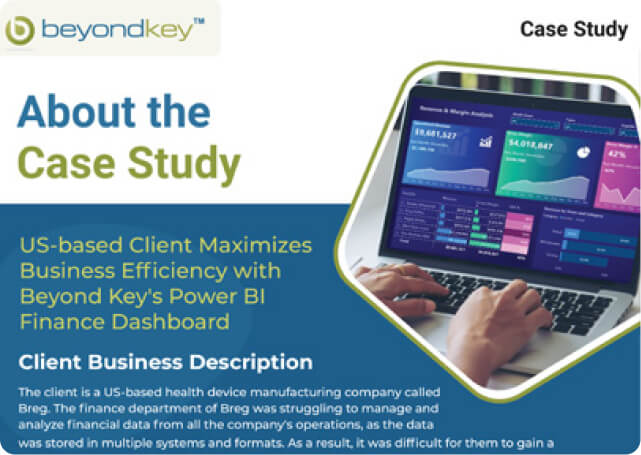
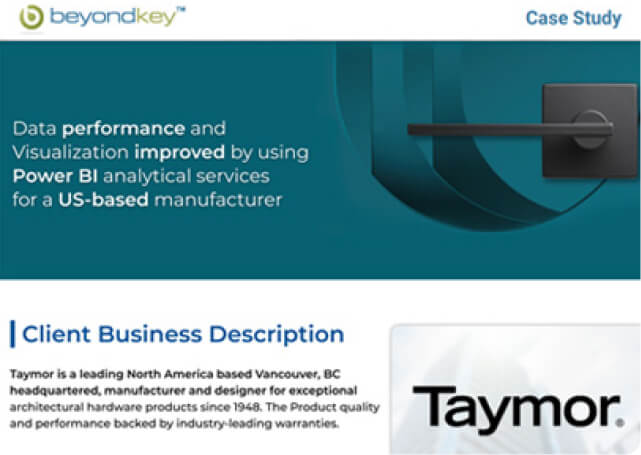
Power BI Migration Case Studies

Why Choose Beyond Intranet as Your Power BI Migration Company?

Choose us for the unsurpassed Power BI services we offer businesses across multiple industries worldwide.

Microsoft Solutions Partner

100+ Power BI migration and analytics projects delivered.

Microsoft Certified Analytics Experts

Power BI Data Analyst Associate (PL-300) and Fabric Analytics Engineer Associate (DP-600) certified professionals.

Ongoing Support

Every Beyond Intranet migration engagement includes structured end-user training, & a 30-day post-go-live adoption review.

Full Microsoft stack depth

We are well-versed in SharePoint, Dynamics 365, Power Platform, Azure, and Teams.

AI-Powered Tools

Easy-to-use AI features that can find patterns in data, create reports instantly, provide answers, and more.

Embark on your Power BI migration journey.

350+ Experts
500+ Clients
20+ Years of Microsoft
delivery

Frequently Asked Questions

Power BI migration is a structured process for transferring a business's existing reports, dashboards, and data pipelines from legacy BI tools to Microsoft Power BI. Legacy platforms might include Tableau, Cognos, SSRS, QlikView, or SAP BusinessObjects.

Timeline depends on the number of reports, the complexity of the source environment, and the data model work required. A small SSRS migration (20–50 reports) typically takes four to six weeks.

Yes. Beyond Intranet has migrated hundreds of Tableau workbooks to Power BI.

Yes, for most use cases. Power BI's semantic model and DAX engine can replicate the analytical capabilities of Qlik Sense, including the associative filtering experience (using cross-filter interactions and bidirectional relationships).

Beyond Key’s Success Stories on Cloud Services

This website uses cookies to ensure you get the best experience on our website.
Accept
Privacy Policy