

Microsoft Solutions
Partner
Certified
Certified

Microsoft platform since 2005

Indianapolis & Chicago

Current to 2026
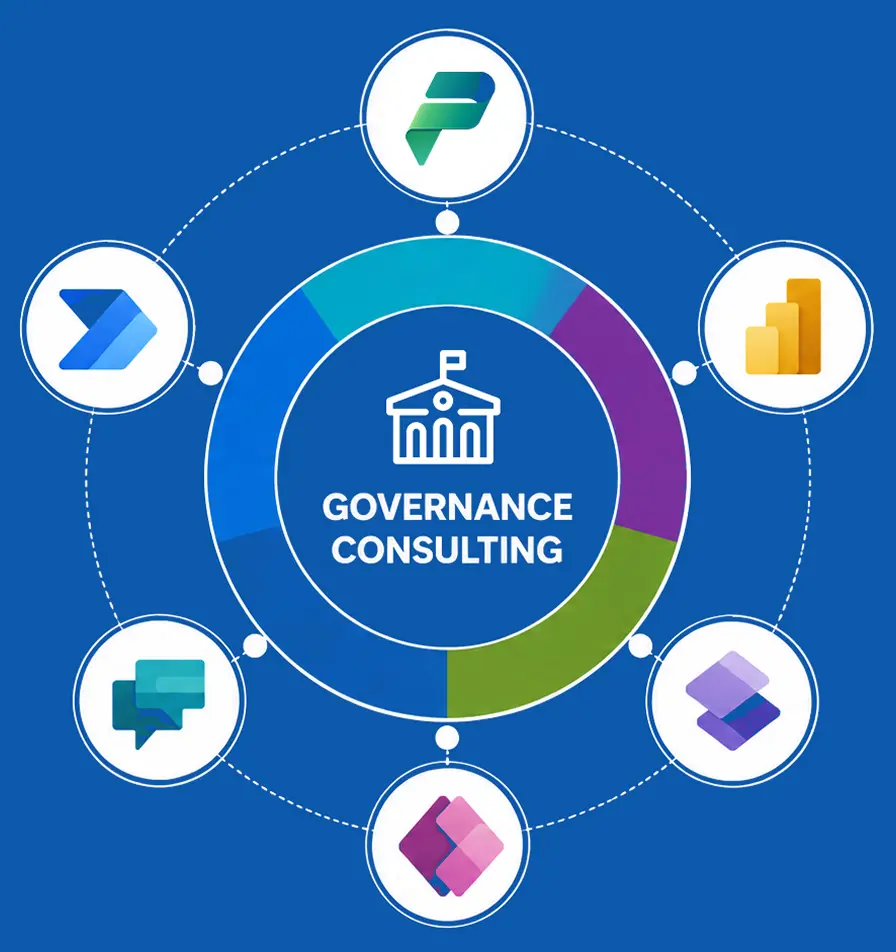
Power Platform governance defines how Power Apps, Power Automate, Power Pages, and Copilot Studio agents are built, secured, and scaled across an enterprise. It spans environment strategy, data loss prevention (DLP), the Center of Excellence and native Admin Center controls, tenant administration, AI agent governance, and maturity assessment, so the platform can grow without increasing security, compliance, or cost risk. Microsoft's own guidance in 2026 favors guardrails over gates: a comprehensive environment strategy, granular DLP, tenant isolation, Managed Environments, deployment pipelines with approvals, and continuous monitoring.
Scope note: this page focuses on app, automation, and agent governance. Power BI governance sits within the Microsoft Fabric admin experience, Dataverse is the governed data layer beneath model-driven apps and agents, and Power Pages adds external-facing authentication and exposure considerations. All are part of a complete program, and a governance framework should state where each boundary lies.
Self-service delivery, now including AI agents, introduces environment sprawl, uncontrolled data movement, unmanaged business-critical apps, unforecast cost, and audit gaps when it runs without a framework.
A defined operating model where environments, connectors, data, and agents are controlled, ownership is explicit, cost is visible, and the platform scales securely without slowing sanctioned delivery.
These are the symptoms of ungoverned adoption, the observable risks that accumulate in a large tenant before anyone has decided to accept them:
 Environment sprawl
 Uncontrolled data movement
 Ungoverned AI agents
 Unmanaged business-critical applications
 Weak or deprecated encryption protocols
 Unforecast licensing and capacity cost
 Compliance and audit gaps
Governance is a connected control framework. Below is each domain in depth, current to 2026.
A tiered environment model separates workloads by purpose and applies controls proportionate to risk. The default environment is created with the tenant and open to every user, so it is locked down for personal productivity only; business-critical work moves to dedicated, Managed Environments. Solutions are promoted through Application Lifecycle Management (ALM): built in development, validated in test, and released to production as managed solutions only, through deployment pipelines with approvals.
 Default
 Developer
 Sandbox
 Production
 Teams
Teams
Data Loss Prevention policy is the primary control for data movement. Connectors are classified and policy is enforced at both tenant and environment level so a resource cannot combine data across groups. In 2026, advanced connector policies extend this to individual connector actions (allow or block), and on Managed Environments and environment groups you can block all connectors and actions by default and permit only what is sanctioned.
 Business
 Non-Business
 Blocked

Allow or block at the connector-action level, and block-all defaults on Managed Environments and environment groups.

Custom and HTTP-based connectors classified and governed at tenant and environment scope.

Proportionate policy, strict in production, broader in innovation sandboxes, with a documented exception process.
A workable enterprise DLP posture is usually three layered policies rather than one. The structure below is a generic reference, not a client configuration:
 Tenant baseline
 Production strict
 Sandbox permissive
A Power Platform Center of Excellence is the internal team and operating function that owns governance, enablement, and support for the platform. The CoE Starter Kit was tooling that supported that function. This distinction matters in 2026: the tooling is retiring, the function is not. Every enterprise scaling Power Platform still needs a team accountable for policy, adoption, and support, whether or not it runs the kit.
2026 update: (Verified) Microsoft stopped active development of the CoE Starter Kit in early 2026, and as of May 2026 it is no longer maintained, no new features, bug fixes, or security patches. Microsoft's position is that the kit was never a formal product, and existing installations keep working. It still provides valuable inventory and analytics, but Microsoft's go-forward governance is native, in the Power Platform Admin Center and Managed Environments. We deploy the kit only where it still fits (tenant-wide inventory and analytics at scale) and design the transition to native controls.
 Core
Core
 Governance
 Nurture
 Theming
Governance holds only where accountability is defined. We establish the administration model and the tenant settings that shape maker behavior.
 Admin roles
 Tenant settings
 Maker lifecycle
 Tenant isolation
 RACI
RACI
Agents built in Copilot Studio run on Power Platform and are governed with the same control framework, extended for AI. Ungoverned agents are a 2026 risk, and Microsoft's April 2026 Copilot Studio updates surface each agent's security posture during authoring, including authentication gaps and policy impacts, so issues are caught before deployment rather than after.
 Environment placement
 Data policy
 Authentication and access
 Inventory and monitoring
 Cost control
 Monitoring
 Cost governance
 Compliance and audit
 Security posture
An enterprise can implement governance in a defined order, whether it runs the program itself or with a partner. Six steps, in sequence:

Inventory every environment, app, flow, maker, connector, and agent, and score current controls to set the starting point.
Establish the tiered environment model, restrict the default environment, and route business apps into Managed Environments.

Apply the layered DLP structure (tenant baseline, strict production, permissive sandbox) and advanced connector policies.

Define admin roles on least privilege, tenant settings, tenant isolation, and clear accountability across makers, developers, and admins.

Place Copilot Studio agents in governed environments, apply data policies and authentication, and inventory them with posture monitoring.

Stand up monitoring and a recurring rhythm, weekly triage of new resources, quarterly policy review, so governance keeps pace with adoption.

Environment restricted; business apps routed to Managed Environments
Environment model with defined ownership and lifecycle
Enforced at tenant and environment level; advanced connector policies applied
And HTTP connectors classified and governed
Inventory in place, with a transition plan to native Admin Center governance
Roles and tenant settings on least privilege; tenant isolation enforced
Studio agents inventoried, placed in governed environments, and policy-controlled
Pipelines with approvals; managed solutions only in production
Capacity and licensing forecast and attributed to owners
Monitoring, audit logging, and data-residency assurance
 Skipping discovery and baselining
 A single blanket DLP policy
 Relying solely on the unmaintained CoE kit
 Governing apps but not agents
 No ALM discipline
 Stage 1: Reactive
 Stage 2: Managed
 Stage 3: Optimized
 Assess
 Design
 Implement
 Enable
 Operate (optional)
 Environments
 Data movement
 AI agents
 Visibility
 Accountability
 Cost
Cost
 Compliance
 Two decades on the Microsoft platform
 Microsoft Solutions Partner
 Current to 2026
 US-based delivery, global reach
 Full Microsoft estate coverage
 Regulated-sector experience
 CIOs and VPs of IT
 Power Platform and M365 platform owners
 Security and compliance leaders
 Center of Excellence leads
Book a governance assessment. We evaluate your environments, DLP posture, AI agents, and platform risk, and provide a prioritized view of remediation priorities.
A structured working session with a Microsoft-certified consultant, concluding in a documented set of findings.
Book a Governance Assessment
It defines how Power Apps, Power Automate, Power Pages, and Copilot Studio agents are built, secured, and scaled across an enterprise, covering environment strategy, DLP, CoE and native Admin Center controls, tenant administration, agent governance, and a maturity assessment, so the platform scales without increasing security, compliance, or cost risk.
A Power Platform Center of Excellence is the internal team and operating function that owns governance, enablement, and support for the platform. It is a function, not a tool. The CoE Starter Kit was one tool that supported it.
Yes. The CoE Starter Kit is retiring, but the function is not. An enterprise scaling Power Platform still needs a team accountable for policy, enablement, and support; the tooling behind it is moving to the native Admin Center and Managed Environments.
Governance defines the policies and controls. Administration is the day-to-day operation of those controls in the Power Platform Admin Center. The Center of Excellence is the function accountable for both, plus enablement and adoption.
Microsoft stopped active development of the CoE Starter Kit in early 2026, and as of May 2026 it is no longer maintained, no new features, fixes, or security patches. Existing installations keep working, and Microsoft directs organizations to native Power Platform Admin Center governance and Managed Environments. It still provides inventory and analytics value, but go-forward governance is native, in the Power Platform Admin Center and Managed Environments. We deploy the kit where useful and design the transition to native controls.
Managed Environments are a feature, not an environment type, that can be enabled on any environment to unlock advanced governance, ALM, monitoring, license reporting, sharing limits, and data policies.
Connectors are classified into Business, Non-Business, and Blocked groups, and policy applied at tenant or environment level prevents combining data across groups. In 2026, advanced connector policies add allow or block control at the connector-action level, with block-all defaults available on Managed Environments.
Agents are placed in governed, Managed Environments, restricted with DLP and advanced connector policies, given authenticated least-privilege data access, and inventoried with security-posture and cost monitoring.
A tiered model: a restricted default environment for personal productivity, developer and sandbox environments for build and test, and Managed production environments for live workloads, with solutions promoted through ALM pipelines.
Most begin with a two-to-four-week maturity assessment that produces a findings report and roadmap. Implementation is phased thereafter, scoped to environment count, risk profile, and the level of managed service required.
By tracking premium connector, per-app, and capacity consumption, forecasting it, and attributing it to owners, supported by Managed Environment license reporting.
Tenant isolation sets boundaries that prevent connectors from moving data across tenants, a core control for regulated organizations.
Yes. Beyond Intranet is a Microsoft Solutions Partner delivering across SharePoint, Teams, Microsoft 365, Fabric, and Copilot, and designs governance to integrate with your existing tenant and estate.


201 N Illinois Street,
16th Floor - South Tower
Indianapolis, IN 46204
405 W Superior St, Ste 707 Chicago, IL 60654
