Centralization of data
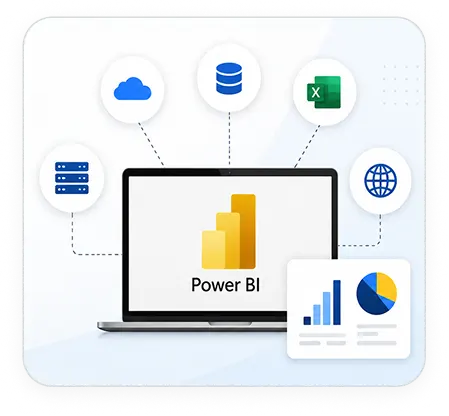
Power BI integration brings information across many sources (third-party apps, databases, and cloud platforms) on a central platform and provides a cohesive view.
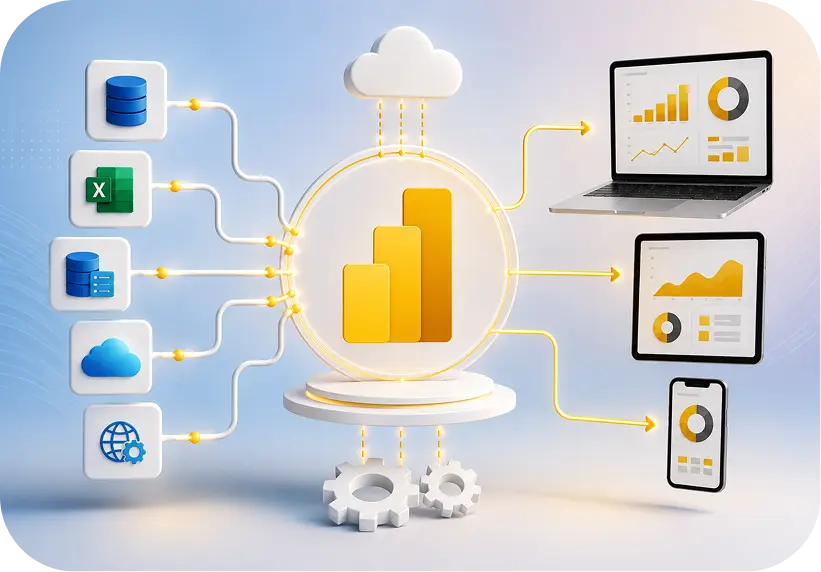



Power BI integration services connect external data sources: ERPs, CRMs, cloud platforms, APIs, and legacy databases, directly into Power BI so reports refresh automatically instead of relying on manual exports. Integration is the plumbing work that makes the dashboards trustworthy in the first place.
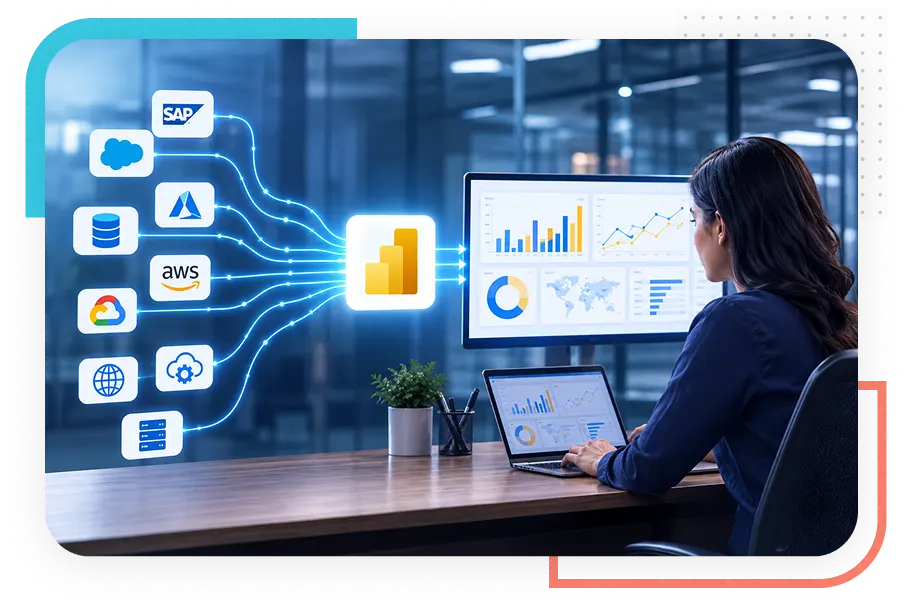
Power BI integration helps businesses with several critical operational advantages:
Power BI integration brings information across many sources (third-party apps, databases, and cloud platforms) on a central platform and provides a cohesive view.

Get row-level security (RLS) and Azure Active Directory integration, to protect sensitive business metrics. Make sure that your data is 100% secured.

Are you spending more time on manual reporting? Integrating your business apps with Power BI automates operations and ensures real-time insights into your data and reports. No manual effort.

Power BI integrates natively with the Microsoft suite and platforms like Excel, SharePoint, and Teams for a seamless workflow.
Power BI comes with 150+ built-in connectors, and for most standard sources, SQL Server, SharePoint, Dynamics 365, Salesforce, Excel. That's really all you need. We handle the configuration end to end: gateway setup, refresh scheduling, and incremental refresh for datasets too large for a full reload every time.
When a source has a documented REST API, we build an authenticated connection using Power Query M, and bring in an intermediary layer: Azure Functions or a Data Factory pipeline. If the data needs shaping before Power BI can use it.
Instead of rebuilding the same Power Query logic in five different files, we migrate transformation work into Fabric dataflows and lakehouses. One governed data layer, multiple reports pulling from it, which also means one place to fix things when something changes upstream.
SAP (ECC and S/4HANA) and Dynamics 365 Finance & Operations don't play nicely with generic connectors, mostly because of how they handle multi-entity consolidation and currency conversion. We build integrations that account for that complexity directly, rather than forcing a workaround downstream in Power Query.
We connect Salesforce, Dynamics 365 Customer Engagement, and HubSpot in a way that actually mirrors how sales and service teams work: pipeline stages, custom fields, activity history, instead of dumping a flat export of default objects and calling it done.
Azure (Synapse, Data Lake, SQL Database), AWS (Redshift, S3, RDS), Google Cloud Platform (BigQuery, Cloud SQL), including the messier cross-cloud setups where an organization's data is genuinely split across more than one provider, which happens more often than you'd think.
For manufacturing floor sensors, logistics tracking, or any dashboard where a scheduled refresh just isn't fast enough, we set up push and streaming datasets so the numbers reflect what's happening right now, not what happened an hour ago.
We embed reports and dashboards directly into customer portals, internal applications, SharePoint, or Teams, using Power BI Embedded (App Owns Data) or user-owns-data embedding, depending on your licensing setup and who's viewing the report.
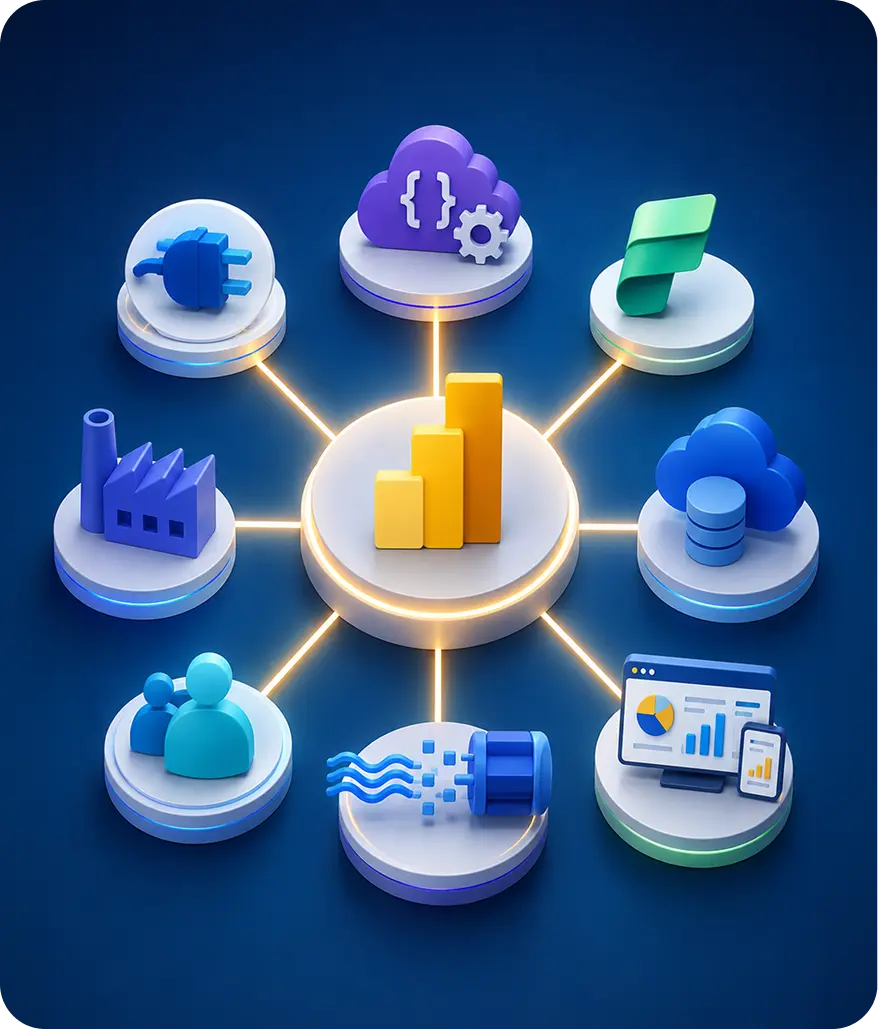
Beyond Intranet is a Microsoft Solutions Partner with over 20 years of experience delivering Microsoft-stack consulting to mid-market and enterprise clients. Our Power BI practice sits alongside deep, hands-on experience across Dynamics 365, SharePoint, and the Power Platform, which matters when an integration touches more than one Microsoft product at once.









Sr. Tech. Specialist - Business Analytics at Beyond Intranet
Microsoft Certified: Power BI Data Analyst Associate & Fabric Analytics Engineer. 9+ years architecting BI integrations across manufacturing and financial services and other industry verticals, with a focus on ERP and legacy system connectivity.

Integration Engineering Lead
Microsoft Certified: Power BI Data Analyst Associate. Specializes in custom API integrations and Microsoft Fabric dataflow design for clients migrating off legacy on-premise reporting.


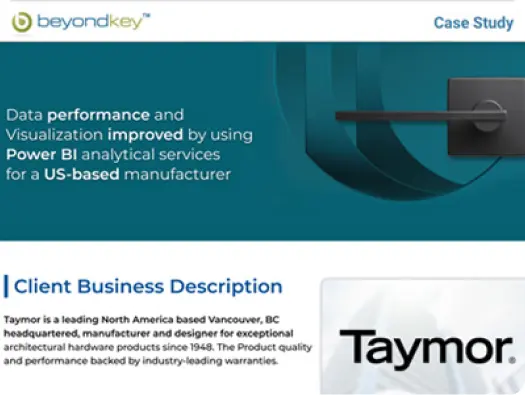
Beyond Key has been a partner of Taymor for the last 5 years and have been excellent resources in assisting us with developing our reporting platform using Power BI and other development requirements. They are customer focused ensuring our plans for technology and growth is understood to be in a position to assist when it is needed.

Over the years I have seen a lot of benefits working with Beyond Key, I have utilized just about every type of software engineer from System Architects to Customer Facing Support Specialist to Business Analysts. Beyond Key has allowed me to build my MVP products with a small team, ramp up quickly to scale during tight development sprints.

The project was a big win! We were ready before time and has some room to add additional features on our solutions…Fairly speaking, I cannot think of any dislikes. If they can continue what they are doing and maintain the quality and efficiency of their services, I don't think we can ask for more.

We are working with Beyond Key for about six years now. I think, their biggest strength is their commitment to the project. We have had the same team for six years now which has led to a great efficiency in development as well as a great team spirit between the it team in San Diego, in Carlsbad as well as here. They are definitely a company that I would recommend to anybody.

Beyond Key has been the perfect technology partner for us for over 5 years. They bring a high standard of performance, keen technical resources, an unparalleled work ethic, and do it all seamlessly as an extension of my own IT department.
Power BI integration pricing depends on the number of sources, whether native connectors are available, and how much transformation logic the data needs before it's report-ready.
Exact pricing is scoped after a free integration assessment, since two "custom API" projects can differ significantly in effort depending on source documentation and data quality.
 Approach
 Upfront Cost
 Time to Working Solution
 Long-Term Maintenance
 Handles Legacy/ Undocumented Sources
 Best Fit
 In-house IT team (DIY)
 Manual exports / spreadsheets
 Freelancer / offshore contractor
 Generic BI/reporting vendor
 Power BI Integration Consulting (Beyond Intranet)

A few questions are worth asking before committing to a partner:

Explore our detailed blogs and find out what's trending!
Book a free Power BI integration assessment. We'll evaluate your legacy data infrastructure, flag the challenges, and offer you a realistic timeline and price before we embark on the integration journey.
Power BI integration is the process of connecting Power BI to external systems, ERPs, CRMs, cloud platforms, and legacy databases, so data flows in automatically for reporting, rather than being uploaded or refreshed manually.
It depends on complexity: native connector setup is the least expensive, custom API integrations for legacy or undocumented sources cost more due to discovery and testing effort. Most projects are scoped after a free assessment.
Yes, using Power BI Embedded (App Owns Data) or user-owns-data embedding, depending on whether your end users hold their own Power BI licenses.
Yes. Power BI is a core Fabric workload, so semantic models and dataflows built in Fabric are directly usable in Power BI reports without a separate connector step.


201 N Illinois Street,
16th Floor - South Tower
Indianapolis, IN 46204
405 W Superior St, Ste 707 Chicago, IL 60654