A practical, vendor-neutral guide for CIOs, IT directors, and digital workplace leaders evaluating SharePoint consulting partners in Australia — including a comparison...
Quick answer: A SharePoint AI Readiness Assessment is a structured evaluation of a Microsoft 365 tenant’s governance, information architecture, content...
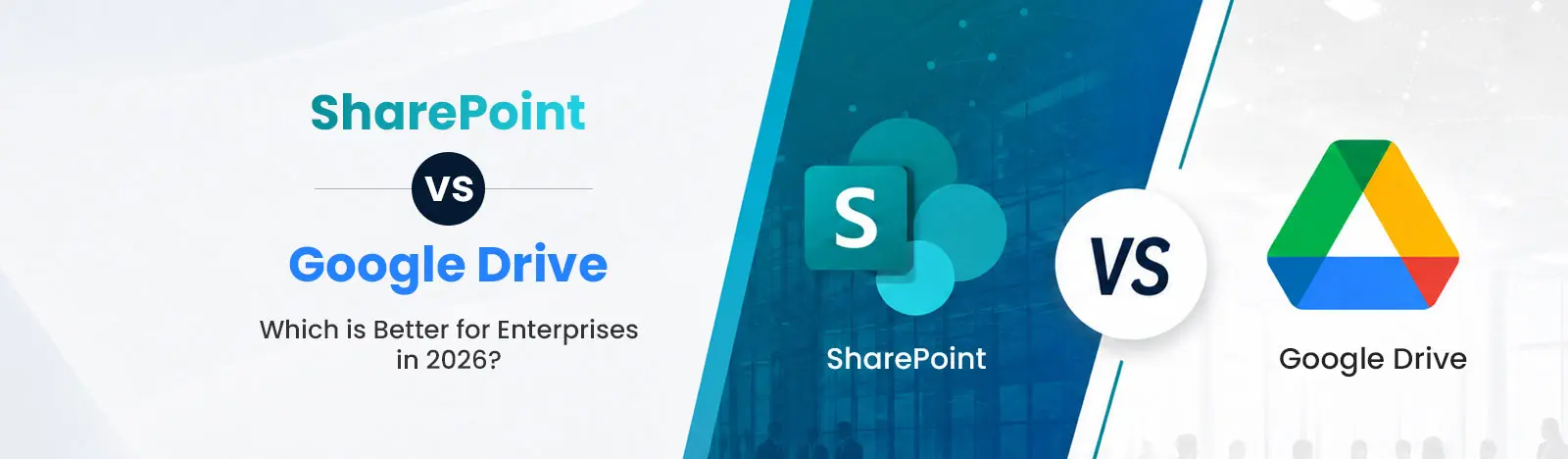
SharePoint and Google Drive both enable cloud-based file storage and collaboration, but they serve different business needs. Google Drive excels in simplicity and ease of use, while SharePoint provides enterprise-grade document management, team sites, intranet portals, workflow automation, compliance, and advanced security. Organizations already using Microsoft 365 or managing complex business processes typically gain greater long-term value from SharePoint, whereas Google Drive is better suited for lightweight collaboration and smaller teams.
We all know that data volume is increasing across all industries. As a result, IT leaders are concerned about file chaos, collaboration gaps, and security issues. For them, choosing the right collaboration tools is imperative.
When we talk about document management systems, MS SharePoint and Google Drive are the leaders. In this blog, we will compare the strengths, features, and user base of both these platforms. Marketers can choose the right tool to meet their business needs and security requirements.
SharePoint has 200+ million monthly active users globally within Microsoft 365.
SharePoint is a document management system, a platform integrated into Microsoft 365, designed to centralize, organize, and monitor critical business information. Launched in 2001, SharePoint serves as a platform for an intranet portal, business process automation, and document management.
Key Capabilities
Document Management – Check-in/check-out, metadata tagging, retention policies, version history
Intranet Portals – Communication sites, hub sites, internal communication hubs and company-wide news portal and knowledge bases
Workflow Automation – Document routing, compliance ensured, Power Automate integration
Granular Permissions – Permission control, access control at the document level
If your organization is planning to move beyond concepts and implement these capabilities in a production environment, working with SharePoint consulting services helps establish best practices, governance, security, and user adoption while aligning the solution with business objectives.
Enterprise Use Cases
Knowledge management systems: Keep business policy libraries, business-related documents, with permission/role-based access.
Compliance-driven document workflows: Data encryption ensures and data retention policies offers controlled access to data.
Internal communication platform: Manage event calendars, department-wise news, leadership blogs, everything under one umbrella.
Real Life Use Cases in SharePoint Document management
Africa’s leading staffing company leverages SharePoint Document management system to organize its key company information and improve employee’s productivity.
Google Drive is a cloud-based file storage hub that synchronizes across all connected devices and helps users manage, store, and access data in real time. Google Drive is part of the Google Workspace ecosystem that helps users sync files quickly. High speed is the USP.
Google Drive can be integrated with Google Docs, Slides, and Sheets, and allows users to create, edit, and collaborate on content. Google Drive offers 25 GB of free storage to users to save photos, documents, videos, and content.
Enterprise Use Cases
Centralized document management: Google Drive offers shared drive where users across the organization can manage files on a single platform.
Streamlined contracting: eSignature tools allow users to create, draft, sign, share and store contracts in Drive instead of multiple tools.
Secure cloud storage and backup: Files in all formats: PDFs, images, videos, MS Excel, Word and more can be stored on Google Drive.
Core Features
Cloud Storage – allows users to save and access documents from anywhere on any device. Only internet connection is required.
Real-Time Collaboration – multiple people can co-author content on Docs, Sheets, Slides. Users can simultaneously work on the same dashboard with live cursor tracking.
Quick Document Sharing – allows users to share files through links with permission control. This offers better data security.
Intelligent search – OCR features help with scanned documents,natural language queries and recognizing images for better output.
Google Drive is suitable for SMEs. It works for growing teams seeking fast-paced collaborative workplaces.
If you are considering SharePoint or Google Drive, as the primary collaboration solution for your business, we can help you solve the puzzle. We have mentioned the major differences between the two platforms:
Document Management
SharePoint:
Underlying model: List items stored in content databases (SQL). Each document is an item in a library with columns (fields) that can be:
Managed metadata (term store – hierarchical, multi-lingual taxonomies)
Calculated columns (formulas referencing other columns)
Lookup columns (relationships between libraries/lists)
Content types: Reusable schema definitions (e.g., “Contract” with fields: Effective Date, Renewal Term, Signatory). Can enforce policies (retention, labeling) at content type level.
Search: Crawls managed metadata, column values, and document content. SharePoint supports result sources and refineries.
Real Life Use Cases with Custom SharePoint Solution
Financial Services Company Simplifies Document Management with Custom SharePoint Solution.
Real-time collaboration, granular sharing permissions help users organize documents effectively. Users can track file revisions.
Search limitations: No search across custom metadata fields in native UI. Requires API or third-party tools.
According to Forrester, SharePoint adoption is expanding beyond document management. It now focuses on business applications, automation, and analytics platforms.
SharePoint: It comes with a lot of features to create customized portals, and departmental self-service SharePoint sites. It uses Power Automate, Power Apps and SPFx.
Google Drive: It features minimal customization options. Lacks meta-data management. Does not support detailed customization or modification.
Security & Compliance
SharePoint: It features multi-factor authentication. SharePoint’s multi-layered security and compliance features include data loss prevention (DLP), retention labels, eDiscovery, and sensitivity labels.
Google Drive: Security features such as 2FA, client-side encryption, and Vault for eDiscovery ensure data security. To have more compliance features, additional licenses are required.
Integration Ecosystem
SharePoint: Microsoft 365
SharePoint is a part of MS 365 ecosystem and it integrates in real-time with PowerPoint, Excel, Word, and Teams, to name a few. Users can leverage co-authoring features and manage files and documents in real-time.
Google Drive: Google Workspace
Google Drive comes under the umbrella of Google Workspace environment. It offers real-time integration with tools like Docs, Sheets, Slides, and Gmail. Multiple users can work on documents in real-time on Google Drive.
Real Life Use Cases with Modern SharePoint intranet
Australian NFP improves on document search and collaboration with a new modern SharePoint intranet.
If you are someone who is confused between selecting either of these, take time to evaluate your business needs. Make sure to focus on business challenges, technical issues that you face, and budget too.
SharePoint Pros
Advanced document control users can leverage SharePoint’s powerful features such as metadata tagging, version control, and detailed permission settings. It allows users to work under strict governance for document management.
Enterprise security It allows organizations to meet the security and regulatory demands for large enterprises. This supports data loss prevention.
Scalable intranet solution In addition to the benefits of a document management system, SharePoint offers intranet features. It allows users to build knowledge bases, workflows and modern intranet portals as the business grows.
SharePoint Cons
Steep learning curve Learning SharePoint can be quite overwhelming for new users as it has an array of features and customization options. Without training, users might get confused about its usage and might not leverage its full capacity.
Higher implementation cost Deploying and maintaining SharePoint can be quite expensive. Cost incurred is in development, licensing and IT support. But once you have SharePoint, document management and collaboration is streamlined.
Google Drive Pros
It features an intuitive interface. Therefore, new users can easily learn the interface and store, organize, and access files without many training sessions.
Real-time editing and co-authoring, as already mentioned above in this blog is one of the USPs. This improves productivity and communication.
Google Drive is a cost-effective option. It is good for businesses with tight budget.
Real Life Use Cases with SharePoint Online Modernization
Empowering Enterprise Collaboration: SharePoint Online Modernization for a Retail Organization.
Google Drive does not provide the advanced administrative controls and governance capabilities. This is very important for large organizations. This does not make it suitable option for them.
Less Structured Document Management
Large volumes of data cannot be handled by Google Drive. It does not support metadata and document lifecycle management capabilities.
Choosing between SharePoint and Google Drive depends on your business requirements, team size, and compliance needs.
Choose SharePoint if your business operates within the Microsoft 365 ecosystem and requires:
A scalable, end-to-end document management system and intranet
Compliance-driven workflows and governance
Choose Google Drive if your organization is small and agile and need:
Quick and real-time collaboration without spending much
Ease of use over structured document control
Pricing Comparison: SharePoint vs Google Drive
Aspect
SharePoint (Microsoft 365 Plans)
Google Drive (Google Workspace Plans)
Pricing Model
Included in Microsoft 365 subscription
Included in Google Workspace subscription
Best For
Medium to large enterprises
Small to mid-sized teams & startups
Cost Structure
Higher upfront cost but bundled with enterprise tools
High ROI for organizations needing governance & customization
Best for teams prioritizing simplicity and collaboration
SharePoint vs Google Drive: Which is Better for Enterprises?
Choosing the right platform depends on your business requirements, what challenges you are facing, and what your objectives are. For those who need document management, scalability, and compliance, SharePoint is the right choice. And orgs looking for quick collaboration, Google Drive is suitable.
If you’re evaluating multiple cloud storage and collaboration platforms, Google Drive isn’t the only alternative worth considering. Many organizations also compare SharePoint with Dropbox when assessing enterprise file management, security, collaboration, and governance capabilities. While Dropbox is known for its simplicity, SharePoint offers deeper integration with Microsoft 365 and advanced document management features. For a detailed comparison, explore our guide on SharePoint vs Dropbox.
Beyond Intranet is a Microsoft Solutions Partner that has been helping its clients throughout their digital transformation journey, covering the planning, strategy, implementation, and adoption phases, with its Microsoft 365 services and products.
Trusted by Industry Leaders: GROW Australia, Scaled Data, CHRISTEYNS and more.
Microsoft Certifications our team has: MS-700 Teams Administrator Associate, PL-400 – Power Platform Developer Associate, PL-400 – Power Platform Developer Associate, Az-900 Azure fundamentals and more.
SharePoint is better for enterprises that require advanced document management, security, and compliance. Google Drive is better for simple collaboration and ease of use.
Google Drive can replace SharePoint for small-sized teams. However, it may not meet the requirements of organizations requiring governance and structured workflows.
Google Drive is generally more cost-effective. It is easy to deploy, while SharePoint may be more expensive. SharePoint delivers greater value for high-level operations.
About Author
Bhupendra Singh
Bhupendra is a Digital Transformation Expert and Microsoft 365 Consultant who helps organizations modernize the way they work using the Microsoft 365 suite of services. As a Microsoft Certified Teams Administrator Associate, with credentials in Microsoft 365 Fundamentals and the Microsoft Service Adoption Specialist assessment, he combines technical expertise with adoption strategies to drive meaningful business change.