
Top Power BI Consulting Companies in the USA (2026)
By Shivani Shelke / August 20, 2026
TL;DRThe strongest Power BI consulting firms for US enterprises in 2026 combine three things most vendors only have one or...
Read More


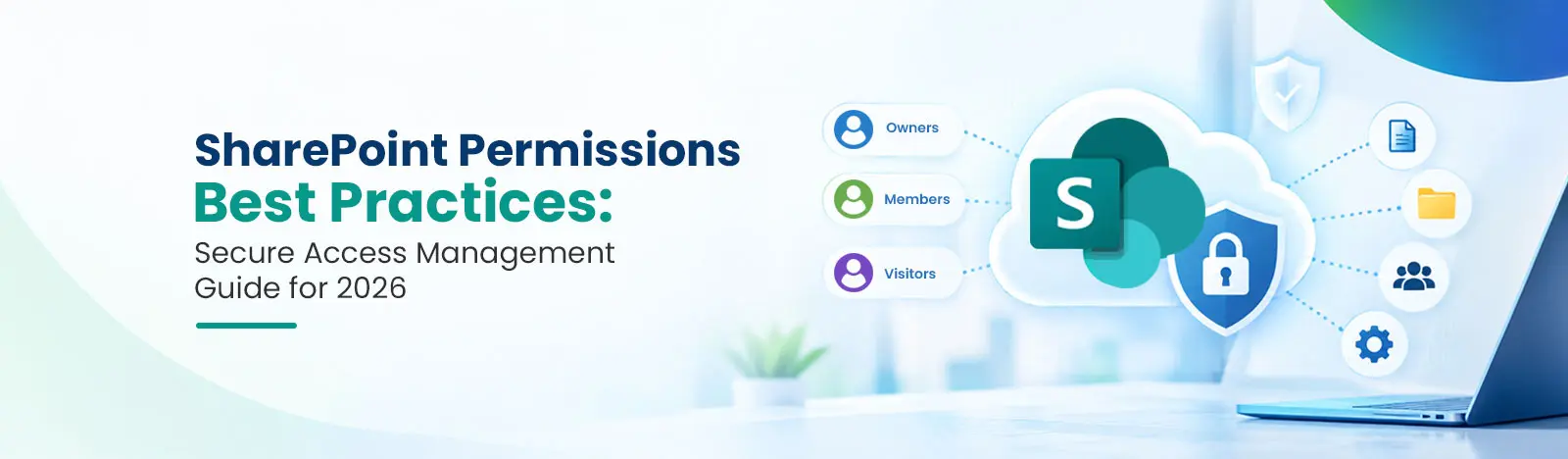
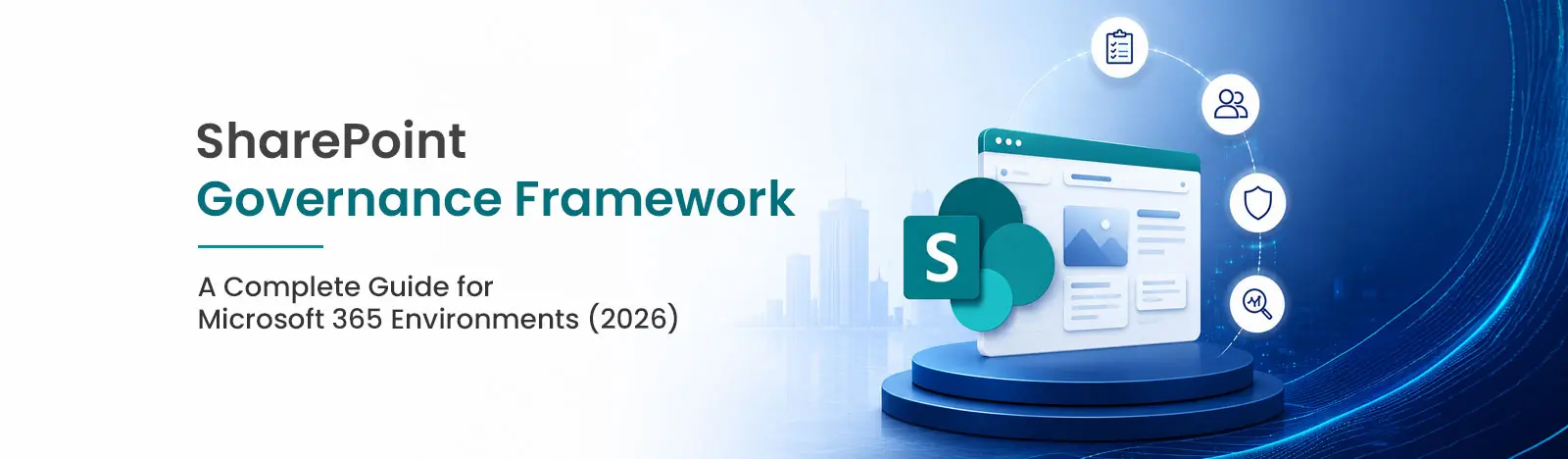
Organizations are facing major data breaches and compliance failures because of unmanaged SharePoint environments. This guide provides a clear, structured framework to follow for Microsoft 365 governance in 2026. It has security, lifecycle management, and policy enforcement via AI.
A SharePoint governance framework is a structured set of policies, roles, and controls that manage your Microsoft 365 environment. It matters because unmanaged SharePoint creates data sprawl, security gaps, and compliance failures. From permissions, information architecture, lifecycle management, and compliance, the SharePoint governance framework determines how safely Microsoft Copilot can operate in your organization.
SharePoint governance is the system that defines who can do what in your Microsoft 365 environment and how content is created, protected, and managed over time.
It’s built on three pillars:
Without governance, SharePoint becomes a dumping ground. Sites multiply, sensitive data get exposed, and employees waste hours searching for files that should take seconds to find.
Three forces have made governance non-negotiable in 2026.
Every Microsoft Teams workspace auto-creates a SharePoint site. Without control, organizations end up with hundreds of abandoned or ungoverned sites. Microsoft’s Content Management Assessment tool specifically identifies “inactive sites” (sites without activity over the past 180 days) and “overshared content” as critical governance risks in SharePoint environments.
In part, the sheer amount of data being moved today is due to productivity tools. Microsoft processes over 100 trillion security signals per day.
Reference link: https://www.microsoft.com/en-us/corporate-responsibility/cybersecurity/microsoft-digital-defense-report-2025/
Regulations like GDPR, HIPAA, and ISO 27001 require organizations to know where sensitive data lives, who can access it, and how long it’s retained. Governance is now a legal requirement in most regulated industries.
Microsoft said 80 percent of the security incidents it tracked were driven by attackers whose main goal was to steal data.
Collaboration hubs like SharePoint are high-value targets as they contain the organization’s mission-critical information and intellectual property. Without governance, one compromised account can lead to massive data exfiltration across the entire tenant.
SharePoint is one of the prime targets for financial crimes. Microsoft discovered that over 52% of cyberattacks are now fueled by financially motivated extortion and ransomware.
AI tools like Copilot rely on your existing data to generate insights. If your SharePoint environment is cluttered or poorly managed, AI will surface outdated, irrelevant, or even sensitive content, reducing its value and increasing risk. Clean, well-governed data is what makes AI truly useful.
Microsoft says 32% of organizations’ data security incidents now involve generative AI tools, highlighting the need for strong data access governance.
Need Expert SharePoint Consulting in Melbourne?
Talk to Our SharePoint ExpertsDefine a site structure based on how your organization works by department, function, or project type. Provide metadata fields in each document library, so content is searchable. Use SharePoint’s Term Store to manage a consistent taxonomy across all sites.
Assign permissions to Microsoft 365 Groups not to people. Apply the least privileged principle to give users only the access they need. Review permissions quarterly. Never use “Everyone” to share sensitive content.
Set up retention policies, sensitivity labels, and DLP rules using Microsoft Purview. Sensitivity labels automatically encrypt and restrict content. DLP policies do not allow files that contain Social Security numbers and financial information to be shared with any other organization.
Provisioning workflow to make sure that new sites are created with appropriate ownership and metadata. Create archival and deletion policies for inactive project sites. Automatically identify and flag abandoned sites via SharePoint Advanced Management.
Limit who can create sites for IT admins or department leads. Enforce naming conventions like [Department]-[Project]-[Year]. Make the governed path easier than the workaround.
QSC LLC, is a globally recognized leader in the design and manufacture of professional audio/video system solutions.
Beyond Intranet team of SharePoint experts helped QSC by providing various SharePoint related solutions like a fully developed company intranet, custom workflows, and modules.
Step 1: Define Governance Goals
Identify what problem you’re solving, site sprawl, compliance readiness, Copilot preparation, or content findability. Align executives before you write a single policy.
Step 2: Identify Stakeholders and Assign Roles
Nominate a Governance Lead, site owners per active site, compliance officer and executive sponsor. Document what each role has and how responsibilities are passed on.
Step 3: Create Governance Policies
Develop practical policies around site creation, naming conventions, external sharing rules, metadata requirements, and acceptable Copilot use. Review policies yearly.
Step 4: Implement Technical Controls
Key technical steps:
Step 5: Monitor and Audit
Quarterly Governance Reviews. Track active vs. inactive sites, over-permissioned libraries, external sharing activity, and DLP matches. Assign remediation owners for every finding.
Effective SharePoint governance relies on a cohesive set of Microsoft 365 tools, each addressing a different control layer. The main role of each tool in a governance framework is summarized in the table below:
| Tool | Governance Function | Key Capabilities |
|---|---|---|
| SharePoint Admin Center | Site Management & Visibility | Site reporting, creation controls, and activity monitoring. |
| Microsoft Purview | Data Security & Compliance | Retention policies, sensitivity labels, DLP, and records management. |
| Power Automate | Process Automation | Provisioning workflows, lifecycle reminders, and governance alerts. |
| Microsoft Entra ID (Formerly Azure AD) | Identity & Access Governance | Group creation restrictions and guest access controls. |
| SharePoint Advanced Management | Advanced Lifecycle Governance | Inactive site detection and automated access reviews. |
Policy Foundation
Security and Compliance
Lifecycle Management
Need Expert SharePoint Consulting in Dallas?
Talk to Our SharePoint ExpertsCopilot for Microsoft 365 indexes SharePoint content and returns it in responses. This makes governance a direct safety control.
Without governance, Copilot risks include:
With governance in place:
If your organization is planning a Copilot rollout, governance isn’t optional. It’s the foundation.
A 1,200-employee manufacturer had 400+ SharePoint sites, most without owners, many over-permissioned, none with retention policies.
Their 90-day governance program:
Results: ISO 27001 audit passed with no SharePoint findings. Estimated 3,200 hours per year recovered through improved content findability.
| Level | Stage | What It Looks Like |
|---|---|---|
| Level 1 | No Governance | No policies, unrestricted site creation, no DLP or retention |
| Level 2 | Basic Governance | Some policies documented, manual reviews, partial controls |
| Level 3 | Controlled Governance | Policies technically enforced, DLP configured, regular audits |
| Level 4 | Optimized Governance | Automated lifecycle, Copilot-ready permissions, continuous monitoring |
Most organizations start at Level 1 or 2. A focused 90-day program typically reaches Level 3.
Start Building Your Governance Framework Today
Request a Free SharePoint Governance Assessment →Explore related resources:
Beyond Intranet is a Microsoft Solutions Partner specializing in SharePoint, Microsoft 365, and modern workplace transformation.
Clients we served: QSC LLC, Frueds, JSC Consultants, Australian NFP and other Fortune 500 companies.
List of Microsoft certifications at Beyond Intranet: PL-600 – Power Platform Solution Architect, PL-400 – Power Platform Developer Associate, Az-900 Azure fundamentals, and more.
 Sachin Jain