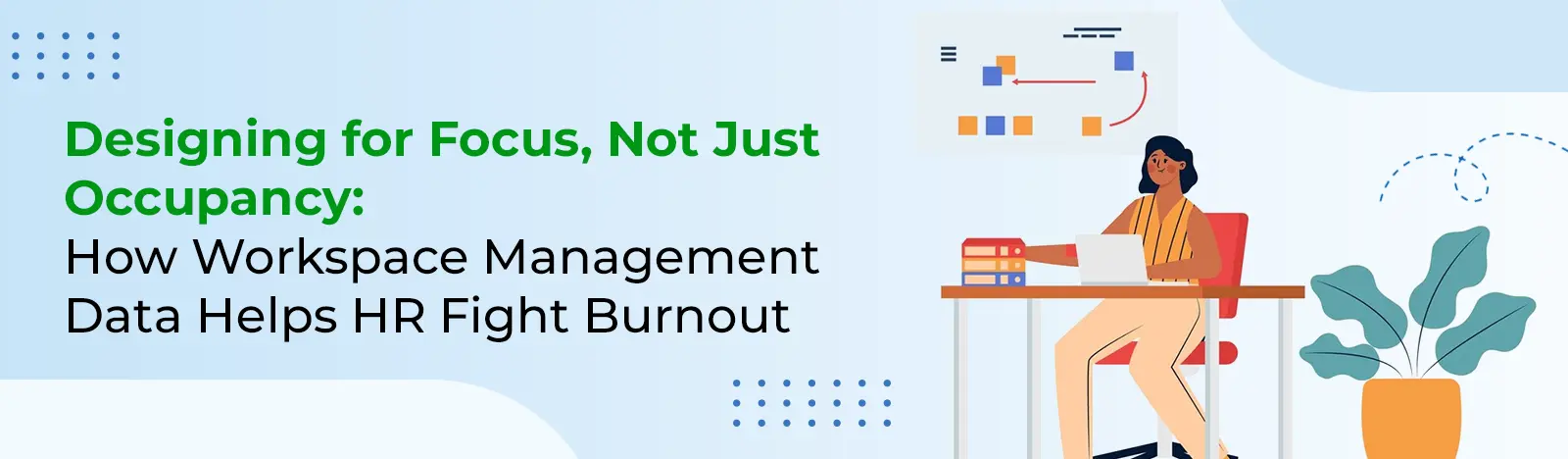
When a Busy Office Isn’t a Productive One
Slowly yet steadily, organizations are succeeding in bringing their employees back to the office. But there is a new challenge waiting for them. People are resuming to work from offices, but are organizations prepared to provide them the same productive environment that they had in the comfort of their homes?
If you see the latest report from McKinsey & Company, one of the persistent challenges of a hybrid work environment is burnout. Another report from Microsoft Work Trend Index highlights a steady erosion of uninterrupted focus time during the workday.
Clearly, there is a dip in the enthusiasm of employees. But the reason behind them is not their intent or clarity of plan, but the failure of HR leaders in providing the right environment.
If an employee gets the right environment they can get into the headspace of getting some meaningful work done. But navigating through noise, facing constant interruptions and finding no space to collaborate with their teammates is eating away their enthusiasm.
Hence, the gap between presence and productivity is becoming harder to ignore.
Looking Beyond Occupancy Metrics
Most organizations focus on desks. The number of desks that are occupied, how often people are using meeting rooms, and how frequently employees are using the workspace, or what is the average office attendance. While these are some basic indicators, they don’t tell you the bigger part of the story.
Do your employees feel productive when they are using the workspace? They don’t reveal if the employee is focused on work. They don’t show how collaborative the employees are when working from the office. Or how effective the collaboration paces are in driving business success. In short, is your workspace screaming employee well-being, or is it a contributor to their stress?
This is where modern workspace management software comes into play. They offer a different perspective. They help you in different ways to keep your employees engaged when working from home.
Instead of focusing only on occupancy, it captures how different types of spaces are actually used. For example:
- Are quiet zones consistently in high demand?
- Do collaboration areas spill over into focus spaces?
- Which zones remain underutilized, and why?
With this level of visibility, office space management software allows organizations to move beyond surface-level metrics and begin to understand the real workplace experience.
The Overlooked Link Between Space and Burnout
Why does burnout happen? Workload, leadership pressure, inability to comply with company culture, etc., but what about the physical work environment? Don’t you think that if the physical work environment is not able to provide support to your human resources, they fail to perform?
Consider a typical day in a poorly aligned workspace:
- An employee trying to concentrate in an open, high-traffic area
- Meetings happening next to people doing deep work
- Overbooked quiet spaces
Individually, they may look like just complaint tickets or work tickets for an office administrator, but they are leading to constant interruptions and mental fatigue of your employees. This causes mental blockage and makes employees lose control and work focus.
But using hybrid workspace management data, you can begin to connect the dots and help optimize the space usage and improve employee outcomes.
For instance, patterns in workspace demand can be compared with:
- Engagement survey results
- Feedback on workplace experience
Absenteeism or attrition trends etc
Designing Spaces That Match How People Work
A well-functioning office isn’t defined by how many people it can hold. It’s defined by how effectively it supports different types of work.
Most knowledge work falls into three broad categories:
Focus Work
Tasks that require concentration and minimal interruption.
If data shows employees competing for quiet areas, it may indicate a shortage of suitable focus spaces.
What can change:
Introduce more dedicated quiet zones or allow employees to reserve distraction-free desks in advance.
Collaboration
Team discussions, brainstorming sessions, and meetings.
Collaboration works best when it’s intentional—not when it disrupts others.
What can change:
Reconfigure layouts so collaborative spaces are clearly separated from focus areas, based on actual usage patterns.
Recovery
Short breaks that help employees reset mentally.
These moments are often overlooked but are essential for sustained productivity.
What can change:
Create low-stimulation areas where employees can step away and recharge, informed by traffic and usage gaps.
With insights from workspace management software, these decisions can be guided by real data rather than assumptions.
Making Workspace Access Seamless with Microsoft 365
A well-designed workplace may be an architectural marvel, however it may fail to meet the imminent needs of your employees.
A workspace should be designed keeping the employee needs in mind, especially how employees will use it. Adoption of a workspace often depends on how people respond to any set system.
By integrating workspace tools into Microsoft 365, organizations can make this process intuitive. Employees can:
- Book a focus desk while planning their day in Teams
- Reserve quiet areas without switching between systems
- Coordinate collaboration spaces alongside meetings
This reduces friction and encourages employees to choose spaces that match their tasks—without adding extra steps.
Turning Insights into Action with Beyond Intranet
Data is the fuel that most tools run on. It can help you drive desired change in the workspace management.
Workspace Management solution from Beyond Intranet enables HR leaders and facility managers to respond quickly to the changing workspace demand.
Learn More About Beyond Intranet Workspace Management Software
HereIt helps you with:
- Layout management based on the use case
- Modify seating rules to prioritize in-person, inter-team collaboration as needed
- Respond to demands related to various types of spaces in real time.
- Align workplace changes with well-being initiatives
Supporting Daily Planning with Desk Booking
Alongside broader workspace insights, day-to-day control matters.
Using desk booking software, employees can plan their office time with more certainty. They can:
- Choose spaces suited to their work for the day
- Avoid overcrowded areas
- Manage personal schedules based on team schedules
Optimize Workspace Management with Beyond Intranet
Learn More This helps you stay on top of your workspace management needs and transforms your everyday workspace management challenges into high-level plans.
Measuring the Business Impact
When organizations align workspace design with employee needs, the impact is measurable.
Lower Burnout Risk
Access to appropriate work environments reduces stress and cognitive overload.
Better Employee Experience
Employees are more engaged when the workplace supports their tasks.
Improved Productivity
Matching space to work type enables more efficient output.
Stronger Well-Being Outcomes
HR initiatives become more effective when supported by the physical environment.
Smarter Space Utilization
Organizations optimize office investments without compromising employee needs.
Rethinking What a Workplace Should Do
The role of the office is evolving.
It’s no longer just a place where work happens. It’s a system that either supports or hinders how people perform.
By using workspace management software and office space management software, HR leaders can move toward a more intentional approach—one that balances occupancy with experience.
Because ultimately, success isn’t measured by how full an office is.
It’s measured by whether people can do their best work when they’re there.