Quick summary: This guide explains what modern digital workspace solutions do, why they matter to hybrid organisations, and how to choose a digital workspace platform that actually moves the needle. It mixes practical architecture, people-first change tactics and measurable benefits — with references to workplace tools and outcomes useful to IT and HR leaders.
Why are digital workspace solutions at the heart of hybrid work now?
Hybrid work has stopped being an experiment. Recent analyses suggest that around half of desk workers globally now operate in some kind of hybrid pattern, while 60–70% of companies either support or are moving toward hybrid and remote models. That’s not a temporary blip—it’s the new normal.
Yet many organizations are still running this “new normal” on old foundations: disconnected email threads, shared network drives, ad‑hoc chat channels, and spreadsheets standing in for systems. Employees bounce between tools to find a colleague, a desk, or the latest version of a policy. Managers struggle to see who’s working where, and whether offices are actually being used.
Digital workplace solutions promise something different: a unified environment where people, spaces, and information are stitched together instead of scattered. When the employee directory, org chart, desk booking, office maps, and HR workflows all live in one Microsoft 365–aligned layer, the workday starts to feel less like firefighting and more like flow.
This guide walks through what a digital workspace solution is, the components that matter, the benefits and pitfalls, and how to make choices that actually move the needle on experience and productivity—not just add another icon to the taskbar.
What is a digital workspace solution, in practical terms?
A digital workspace solution is a virtualized, always‑connected environment where employees can access the applications, data, and collaboration spaces they need to do their jobs—from any device, in any location. It’s the digital counterpart of the office, but without the walls and fixed desks.
Analysts describe the digital workplace as a place where communication, storage, analytics, and management all sit in one virtual layer instead of being tied to a building. Vendors like HPE emphasize that this layer spans email and chat, virtual meetings, cloud storage, analytics, and project tracking, delivered in a way that supports agility, flexibility, and resilience.
In a Microsoft 365–centric organization, that usually means:
- SharePoint powering content, intranet, and knowledge management.
- Teams handling chat, meetings, and channels.
- Workplace tools for employee directory, organization charts, desk booking, and floor plans sitting inside that ecosystem rather than beside it.
- HR and project management modules that turn the suite into a true workplace application layer, not just a document store.
Put simply, a strong digital workspace platform transforms “a lot of apps” into “one coherent workspace” where employees don’t have to think about systems; they just think about their work.
What are the key components of a modern digital workspace?
While every organization will configure things differently, modern digital workplace solutions usually share five foundational components.
1. People layer: directories, org charts, and communities
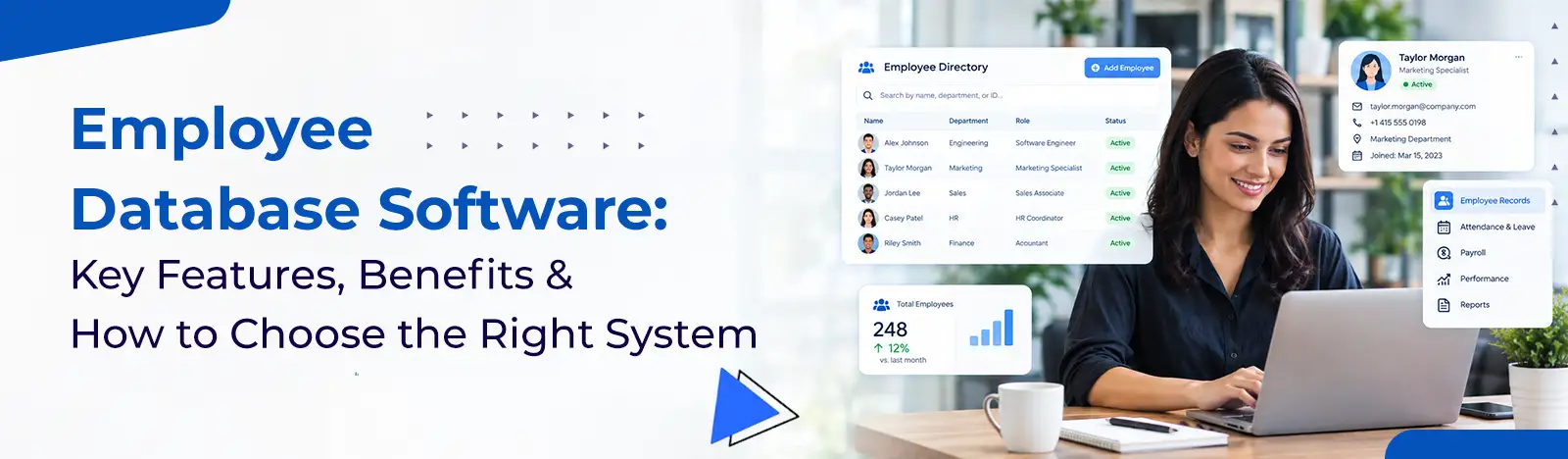
At the core is a reliable way to find people. Employee directories and org charts let staff see who does what, who reports to whom, and how teams fit together. When those tools are woven into SharePoint and Teams, they turn Microsoft 365 into a living map of the organization rather than a pile of sites and channels.
Org charts make reporting lines and collaboration paths visible in one glance.
2. Space layer: desk booking, room reservations, and office floor maps
Hybrid work creates a new operational problem: who sits where, on which days, and how do you avoid double‑booking meeting rooms? Workspace management systems solve this by exposing desks, rooms, zones, and amenities as bookable resources. Desk booking software, parking reservations, and interactive floor plans all fall into this category.
Desk booking and floor plans turn the physical office into a flexible resource.
3. Knowledge and intranet layer
The modern intranet is no longer just a news site. An intelligent intranet connects documents, FAQs, policies, and expert know‑how, then layers search and personalization on top. It helps employees move from “I don’t know where that lives” to “I can find the right version in seconds.”
Intelligent intranets orchestrate content, people, and processes in a single front door.
4. Process layer: HR, projects, and workflows
A digital workspace app becomes truly valuable when it takes on repeatable processes: hiring, onboarding, performance check‑ins, timesheets, task management, procurement, and more. SharePoint‑native HR software can centralize employee data, automate approvals, and ensure that every routine workflow has a clear path instead of a chain of emails.
For small and mid‑sized organizations, this often starts with benefits of workspace management software like timesheets, task boards, and visitor or asset tracking, then grows into full HR and project automation.
5. Intelligence layer: analytics and, increasingly, AI
Finally, analytics show how people actually use the workspace: which spaces sit empty, which pages employees search most, which workflows cause delays. Newer approaches go further, using ontologies and agentic AI—similar in spirit to Microsoft’s emerging semantic layers—to let AI agents “understand” entities like employees, desks, and projects and act on them safely.
Build a connected HR workspace that replaces scattered spreadsheets with one dependable source of truth. Talk to experts
What does the future of digital workspace solutions look like with AI and context?
The next wave of digital work isn’t just more dashboards; it’s more intelligence. Traditional systems store data and documents, but they don’t “understand” your business. Emerging approaches like semantic models and operational ontologies start to change that.
Imagine a workspace where AI agents know that “Emma” is a project manager in marketing, that “Desk B‑14” is near the design squad, and that “Onboarding – Sales” is a workflow spanning HR, IT, and facilities. Instead of just answering questions, those agents can propose meeting locations, pre‑populate project spaces, or route approvals intelligently.
In the Microsoft ecosystem, concepts similar to semantic intelligence layers and agentic AI—like those being explored in new Fabric‑style workloads—point toward digital workplaces that reason over entities (employees, assets, content) rather than just files. Combined with human‑centered intranet and workspace design, that’s a powerful direction of travel.
For organizations already investing in a holistic workplace experience, this future isn’t sci‑fi; it’s a logical extension. The more consistently you model people, spaces, and processes today, the more ready you are for AI that can work with that model tomorrow.
What’s the bottom line on digital workspace solutions?
Digital workspace solutions are no longer side projects; they’re the operating system of hybrid work. When intranet, HR, directory, and workspace management converge in a single, Microsoft‑aligned environment, employees stop wrestling with tools and start focusing on meaningful work. The organizations that win will treat this not as an IT upgrade, but as a long‑term commitment to clearer, calmer, more human workdays.
Modern digital workplaces turn fragmented tools into one connected experience across people, spaces, and knowledge. By aligning with your core stack, simplifying everyday journeys, and preparing for AI‑driven intelligence, you build more than convenience—you build resilience. For teams navigating hybrid complexity, that difference shows up daily in focus, flow, and a quieter, more confident workday.
FAQs: Quick answers about digital workspace solutions
A digital workspace solution centralizes communication, content, and workflows so employees aren’t constantly context‑switching. Instead of juggling disconnected apps, they work inside one coherent environment that supports hybrid schedules, clarifies who does what, and reduces friction in everyday tasks—improving both productivity and employee experience.
Productivity improves when time‑wasters disappear. Integrated search, people directories, desk booking, and automated workflows mean fewer emails, fewer “where is that file?” moments, and fewer scheduling clashes. Employees reach the work that matters faster, while leaders gain data on bottlenecks to fine‑tune processes over time.
For small businesses, a well‑designed digital workspace app replaces improvised spreadsheets and manual approvals with consistent, trackable processes. SharePoint‑based HR, task management, and timesheets scale smoothly as headcount grows, helping teams stay compliant, avoid duplicated effort, and onboard new hires quickly without adding disproportionate overhead.
Small businesses should prioritize simplicity and fit: clear employee profiles, flexible org charts, straightforward desk and room booking, easy document sharing, and basic automation for HR and approvals. Integration with Microsoft 365, strong search, and role‑based access control matter more than a long list of rarely used advanced features.