Expanding globally requires clear coordination among teams. Standardizing onboarding prevents compliance gaps and uneven experiences. To get regional flexibility and...
Summary: Traditional seating flaws are exposed with Hybrid work. Daily frustration, double-booked desks and what not organizations face without reliable...
Hybrid work models create new navigational challenges. Finding desks and colleagues wastes valuable time daily. An interactive office floor plan solves this problem by offering real-time space visibility. See how integrating spatial data with desk booking and employee directories transforms workspace management and boosts team efficiency.
Introduction
Recent McKinsey data shows office attendance dropped 30% below pre-pandemic levels. This massive shift makes modern hybrid workspaces confusing. Wandering hallways seeking open spaces kills daily momentum. Implementing an interactive office floor plan removes this friction completely. It helps your teams locate desks quickly and get straight to work without stressful navigation.
The Navigational Challenge in Hybrid Offices
As leaders managing hybrid teams, we see the daily struggles our people face. The physical office often feels unfamiliar to returning staff. Microsoft data reveals meeting time increased 252% since early 2020. With schedules changing constantly, employees frequently wander through unmapped corridors looking for a vacant conference room.
With 41% of remote-capable jobs shifting to hybrid models, this spatial confusion happens daily. Without reliable office floor plan software, the building itself becomes a barrier to collaboration.
Colleagues constantly message each other asking, “Where are you sitting today?” When staff cannot easily find a desk or a teammate, their focus breaks. We need practical solutions to show exactly what is happening in our facilities right now.
Real-Time Visibility with Office Floor Plan Software
Static paper maps and confusing room names no longer serve modern needs. Your team needs a clear, visual layout to understand which spaces are open.
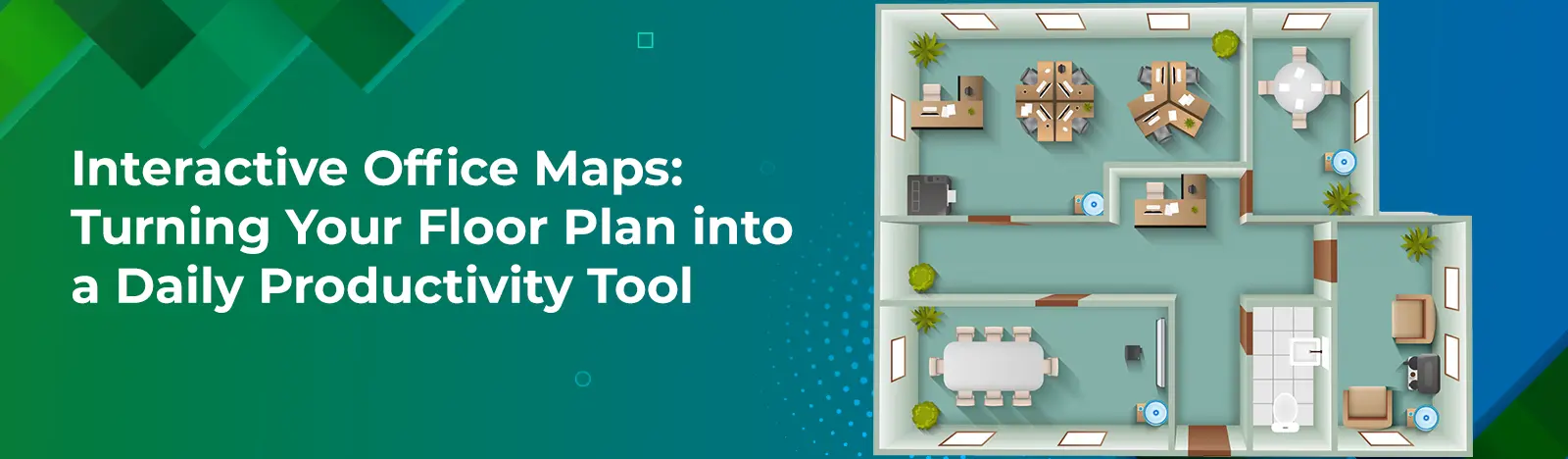
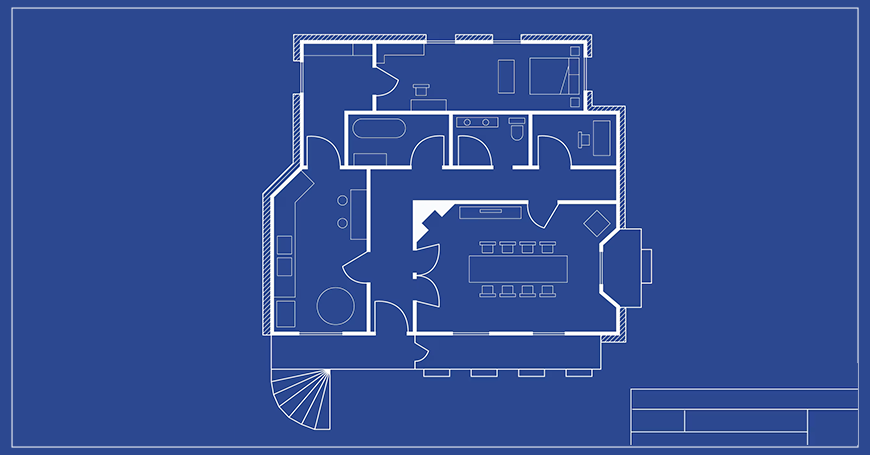
This is where Beyond Intranet’s Interactive Office Floor Plans steps in. We translate your static blueprints into living digital guides. Instead of walking around hoping to find a vacant spot, your employees instantly spot openings on a customizable visual layout. Our platform features a simple range slider that shows availability across different times of the day for each space. Users simply click around the map to check openings and reserve spaces without ever leaving the interface.
By providing a clear visual overview, you help your team match their work to the right environment. Need a quiet zone? The map shows it. Need a large collaboration space? It is clearly marked and ready to book.
Unifying Operations: HR Directory and Desk Booking
When you keep software tools separated, you force your team to jump between applications. Connecting spatial data directly with employee records and booking systems helps your entire organization operate smoothly.
We designed our mapping tool to integrate directly with our HR Directory. Through this connection, team members simply click a colleague profile to view their seating location instantly. The virtual map allows anyone to discover where team members sit directly from their profile card. It makes connecting in person effortless.
Similarly, combining the map with our Desk Booking Software streamlines resource sharing. Users click a space on the map to reserve it right from their device. They can book desks, meeting rooms, and even parking spots in seconds. This ensures a desk is always ready when your team needs it, eliminating morning rush anxiety.
Enterprise Use Cases Driving Daily Value
Different groups rely on accurate mapping for specific reasons. We can apply these interactive tools to several common scenarios your teams face daily:
New Hires: Visual guides help new team members feel at home faster. Locating assigned zones or mentors happens instantly without awkward wandering, which accelerates onboarding smoothly.
Cross-Functional Teams: Project sprints require physical proximity. In hybrid workplaces, managers easily redistribute resources using our intuitive drag-and-drop interfaces. This supports efficient hot-desking and smart workspace allocation for group work.
Visitors and Contractors: Clear digital routing prevents guests from getting lost. They find meeting rooms easily, keeping schedules on track and creating a professional first impression.
Client Story: Navigational Success in St. Louis
Seeing how other organizations tackle these issues helps us understand what is possible. A trusted financial services firm based in St. Louis faced severe navigational challenges. Their massive office felt like a maze of cookie-cutter cubicles. Workers wasted time searching for each other, which stalled communication and hurt collaboration.
They deployed Beyond Intranet’s custom interactive map module. We digitized 11 detailed office blueprints to create accurate digital layouts. The integrated tool allowed instant desk identification. Employees could instantly locate any coworker by clicking their profile in the directory. Quick office walkabouts replaced constant digital pings, and overall efficiency climbed dramatically as staff found desks and colleagues instantly.
To know if we are truly helping our teams, we must measure progress accurately. LinkedIn research shows attrition drops 33% when organizations provide clear hybrid work norms and the right supporting tools.
When rolling out an interactive office map, we recommend tracking these key performance indicators to prove business value:
Reduced time spent locating vacant desks or meeting rooms.
Noticeable drops in digital messages asking for seating locations.
Reduced wayfinding confusion for new staff and office visitors.
Optimized space utilization derived from rich booking analytics.
Reviewing this space utilization data empowers smarter real estate choices. Identifying popular collaboration zones helps leaders understand team needs and carefully manage facility costs.
Managing modern hybrid offices is a challenge we all share. Moving to a dynamic interactive office floor plan helps resolve spatial frustrations permanently. By giving staff real-time navigational tools, you help them focus on actual work rather than finding places to sit. Connecting these maps with directories and booking systems builds cohesive, welcoming workspaces.