A practical, vendor-neutral guide for CIOs, IT directors, and digital workplace leaders evaluating SharePoint consulting partners in Australia — including a comparison...
Microsoft 365 teams that want profiles, presence, and org visibility inside SharePoint and Teams
★★★★★
High
SPFx-based directory with fast search, enriched profiles, and multi-layout org views
Workleap Pingboard
Org charts and “who reports to whom” visibility for hybrid teams
★★★★☆
Medium
Dynamic org charts plus an employee directory, with planning views
ChartHop
Org modeling and workforce visualization with employee engagement basics
★★★★★
High
Org chart filters, rich profiles, dashboards, and a “Basic” org chart plan
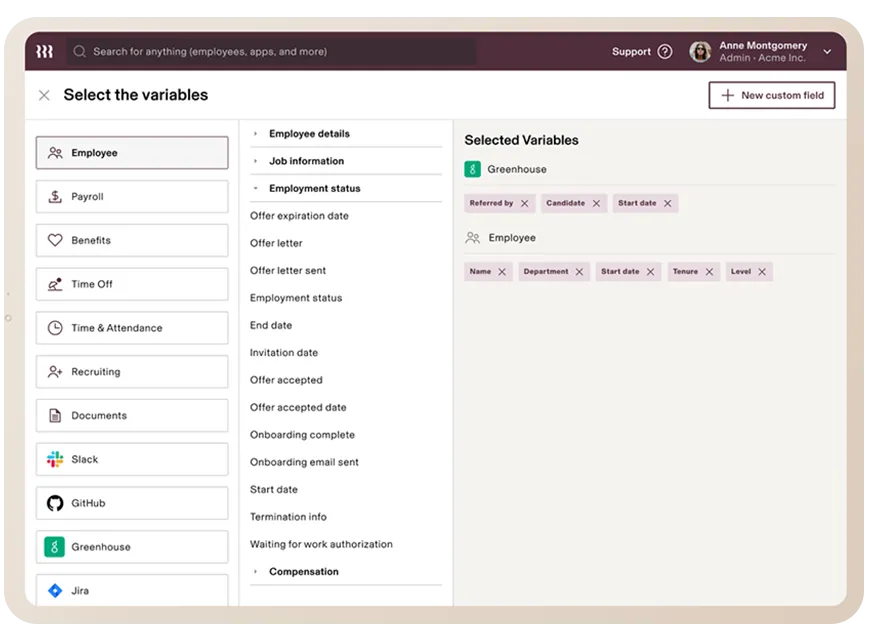
Rippling
HRIS is tied to onboarding, provisioning, and workflows
★★★★★
Medium
Centralized employee records with org chart, workflows, and modular add-ons
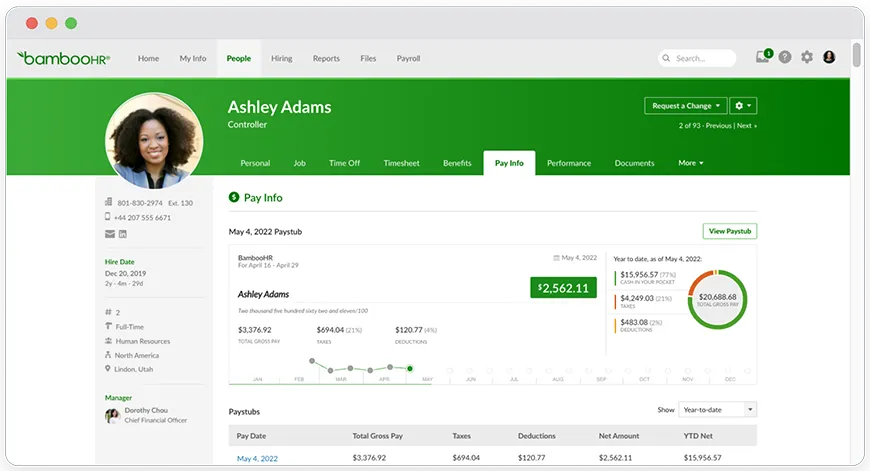
BambooHR
Mid-market HR teams that want records, self-service, and reporting
★★★★★
Medium
Employee records + reporting with a per-employee pricing model
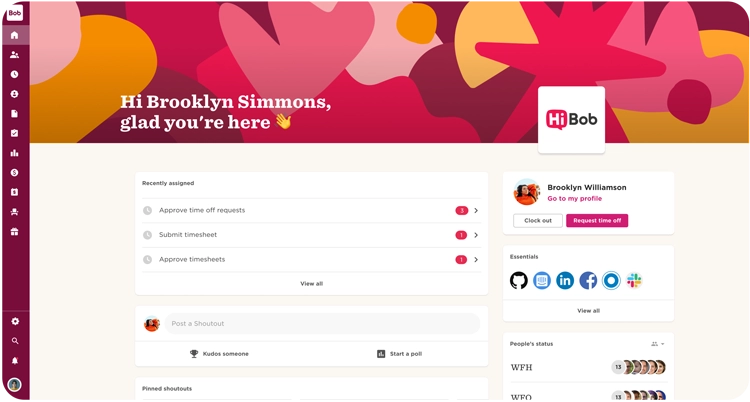
HiBob (Bob)
Modern HR teams that want strong EX and a people directory in the flow of work
★★★★☆
High
People Directory + org chart, plus Microsoft Teams integration options
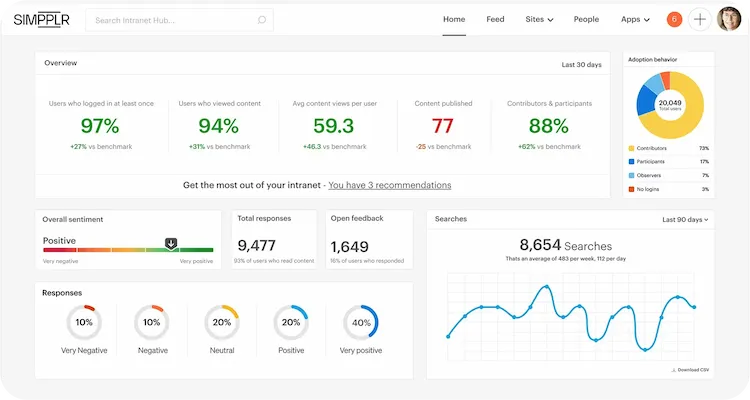
Simpplr
Intranet hub with a strong people directory and filtering
★★★★☆
Medium
Revamped People directory with enhanced filters and custom fields
Unily
Enterprise employee experience platform with strong profiles and org navigation
★★★★☆
High
Configurable employee profiles and interactive org charts with enterprise governance
Staffbase
Comms-led intranets that also need a directory inside an employee app
★★★★☆
Medium
Employee Directory plugin with profile visibility controls
Workvivo by Zoom
Engagement-led EX platform that bundles people directory, org chart, and comms
★★★★☆
Medium
People Directory built from HR data, plus org chart access from profiles
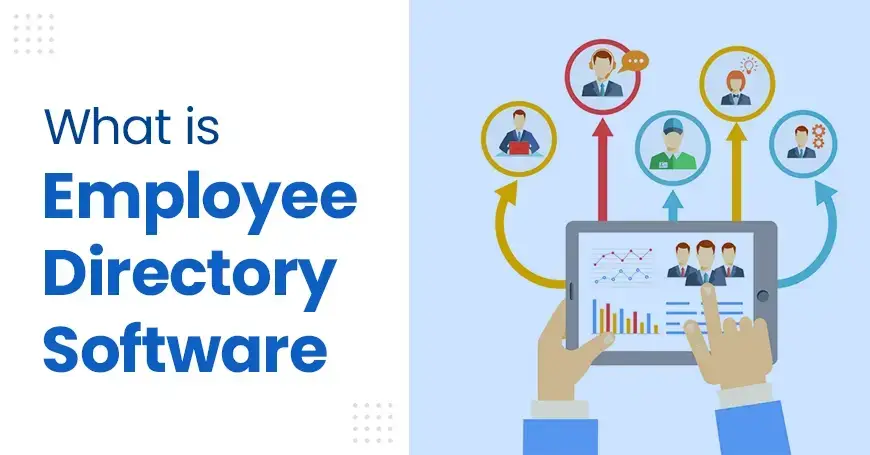
47% of digital workers struggle to find the information or data they need. When that happens, onboarding slows down. This is where employee directory software becomes a real work tool, not a nice-to-have.
What Is Employee Directory Software
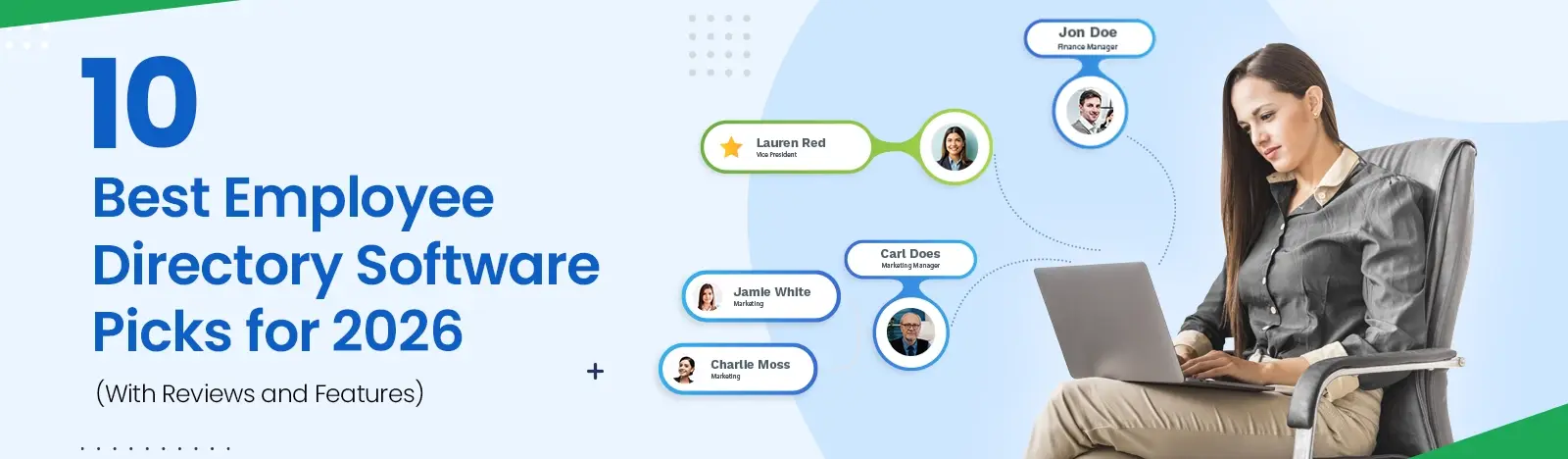
Think of it as the place where names, roles, teams, contact paths, and “who reports to who” stay searchable. A staff directory also adds the context people actually need: skills, locations, and what each team does. When the search is strong, the directory becomes the “who-to-ask” layer for daily work.
What Are the Benefits of Employee Directory Software
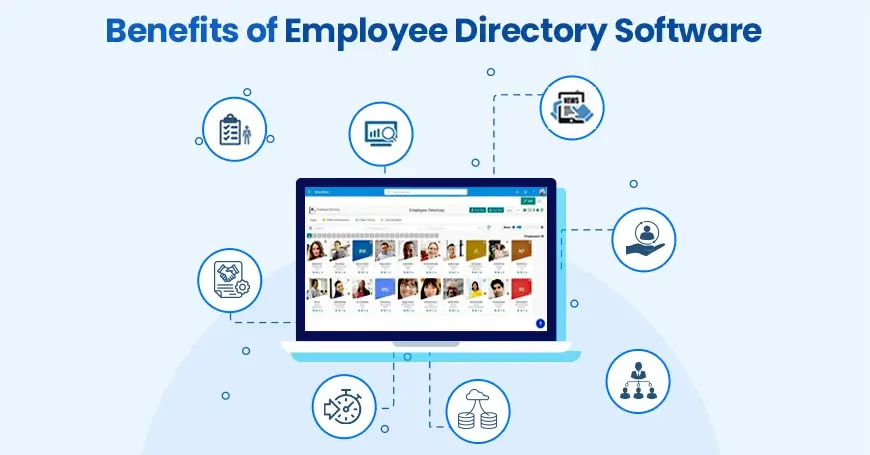
In 2026, most orgs are still hybrid. That makes a directory feel less like a list and more like shared memory. A good intranet employee directory cuts message ping-pong, speeds onboarding, and makes org changes less confusing. When teams can see structure and reach people fast, collaboration starts to feel normal again.
What Features Should Employee Directory Software Have
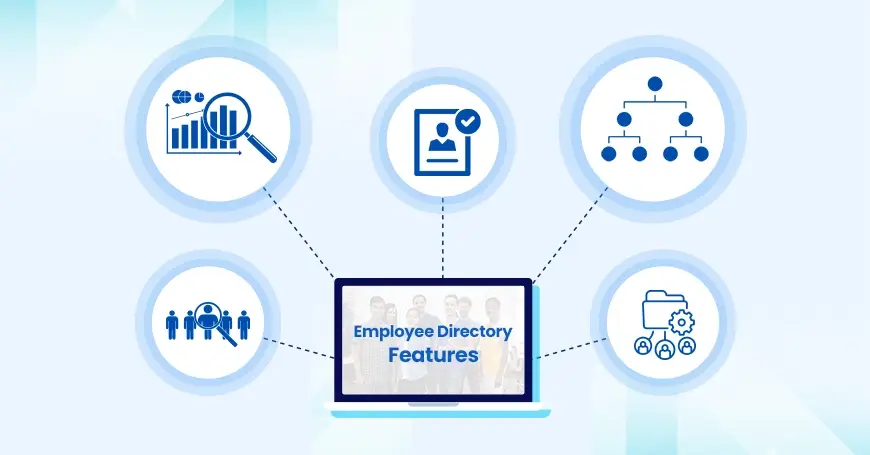
People search with fast results and forgiving matching (names, teams, skills).
Rich profiles with custom fields and contact paths (Teams, email, phone).
Org chart visibility, plus filters by location, department, and role.
Analytics for adoption and completeness, so it stays alive after launch week.
Integrations (HRIS + Microsoft 365/Teams/SharePoint) and SSO/RBAC controls.
If your “profile” is only a name card, you will feel it. Real employee profile software supports custom fields, permissions, and views that match how your company actually works.
One more nuance. If you need Teams-first access, a staff directory app option can lift adoption because people do not switch tabs all day.
What Does Great Employee Directory Software Look Like
“Great” is not a long checklist. Great means people can find the right person, fast, in the flow of work. Great employee directory software also stays updated through sync and governance, not heroics. For admins, it feels low-maintenance. For employees, it feels like it was always there.
What Should You Consider When Choosing Employee Directory Software
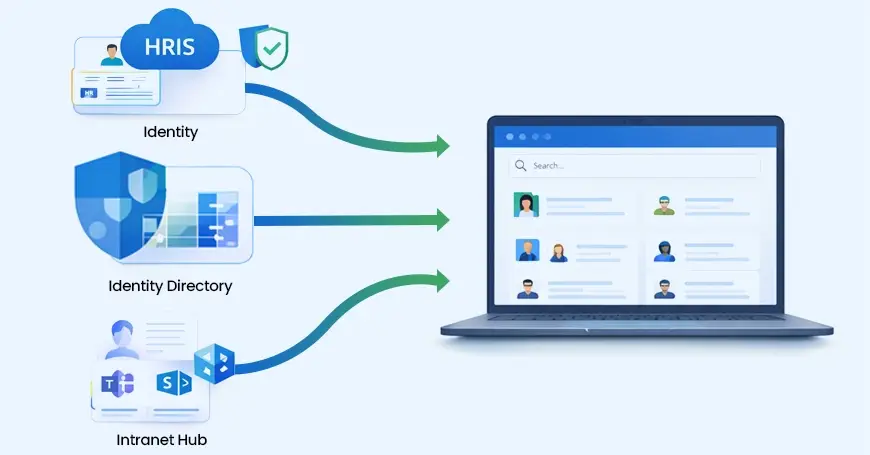
Source of truth: HRIS or identity directory? Decide what system “wins” during conflicts.
Where it lives: Teams/SharePoint-first, or a separate hub employees must remember?
Privacy: field-level permissions, role-based visibility, and audit trails for sensitive fields.
Org change rhythm: reorgs, acquisitions, and role shifts need a directory that keeps up.
Also, be honest about the category you need. Directory-first tools win on speed and visibility. HR suites win when HR is the system of record. Intranet hubs win when you want people + content + comms together. Pick the staff directory software approach that matches how your workplace already runs.
Top 10 Best Employee Directory Software Picks for 2026
If you are trying to build a shortlist this week, start here. This table gives a quick snapshot, then the reviews go deeper. The goal is not to “win” an argument. The goal is to choose the best employee directory software for your stack and your change speed.
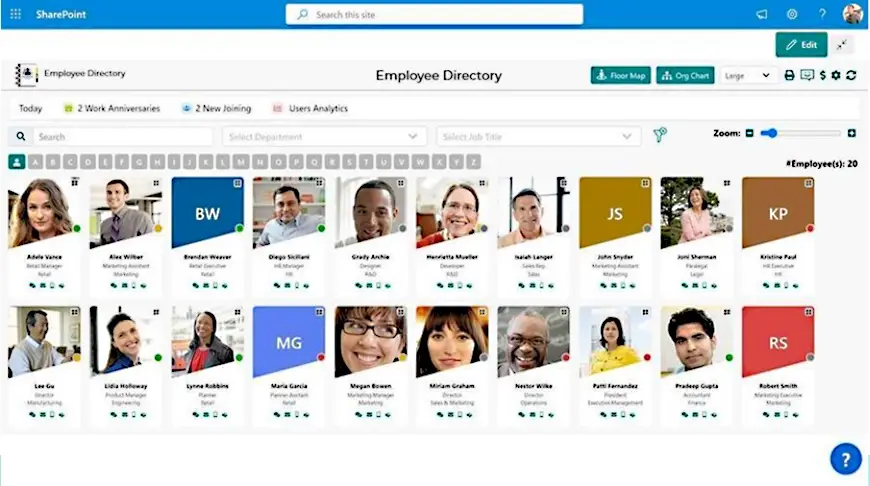
Built for organizations that already live in Microsoft 365 and want speed plus structure. The SPFx approach by Beyond Intranet is designed for fast page loads at any employee count, with search and filters that help people find skills, locations, and teams.
You also get presence signals, multilingual support, enriched profiles, and analytics so it does not fade after launch. A strong fit when you need employee directory software that feels native to SharePoint and can surface inside Teams.
Milestones and updates help keep the directory “alive,” not forgotten.
Cons: Best value when SharePoint/Teams is already the home base.
Quote-based for your org size and setup. A 7-day trial is available on AppSource. Request pricing.
Hybrid orgs that want a directory that is always in reach, without rebuilding identity and access.
Review Highlight: Being the highest rated app on Microsoft AppSource, Customer quotes on the product page emphasize responsive support, smooth deployment, and useful customization for Entra ID and SharePoint fields.
Pick 2: Workleap Pingboard
Directory-first Org chart
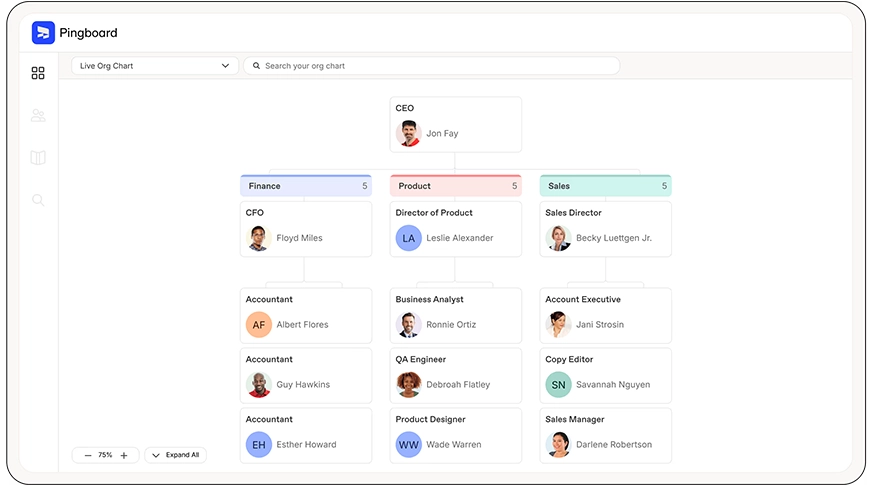
Pingboard is a strong choice when org visibility is the pain. It focuses on org charts, directory depth, custom profiles, and even a “Who’s Who” game. It also supports HRIS integrations and can auto-populate data, which helps a staff directory stay current as people move roles. Reviews often point to org clarity as the value, especially for hybrid teams with quick change.
Directory-first tools shine when “who owns what” keeps shifting.
$4/user/mo (yearly) with minimum users; 14-day free trial available.
People teams that need quick answers during reorgs and rapid growth.
Review Highlight: A G2 reviewer noted Pingboard delivered org-chart visibility and hierarchy transparency, with “bonus” calendar features like birthdays and anniversaries.
Pick 3: ChartHop
Workforce visualization Planning
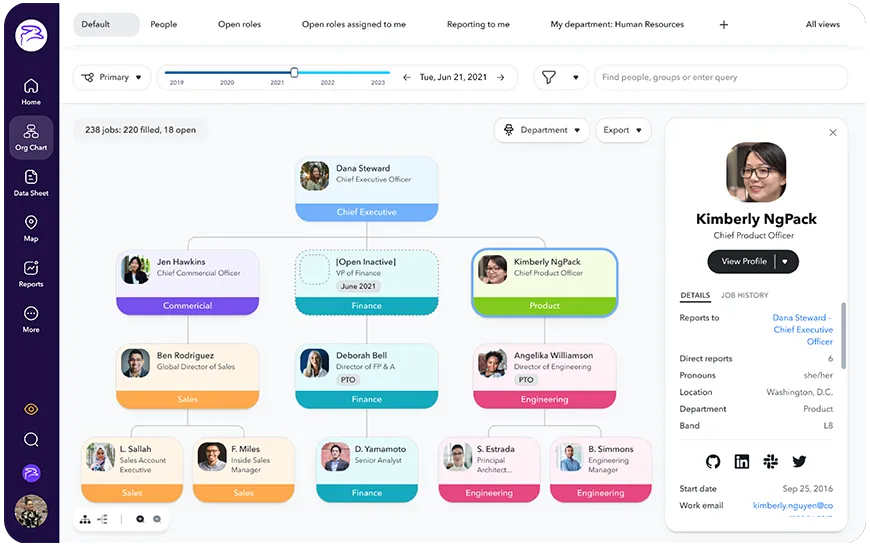
ChartHop is built for teams that do more than “look up” people. It connects and visualizes people data for planning, reporting, and org design. If your org changes often, this kind of platform can complement employee directory software needs with modeling and dashboards. Reviews commonly highlight the visibility it gives into structure and data, with the usual reminder to map fields carefully in implementation.
Visualization tools help when you need to model tomorrow, not just view today.
Core module pricing starts at $8 PEPM for the first module; add-on modules at $4 PEPM. .
Fast-growing orgs doing headcount planning and org design frequently.
Review Highlight: The pricing page includes a customer quote praising a usable dashboard and an org chart view, plus people moves and birthdays in one place.
Pick 4: Rippling
HRIS suite Lifecycle automation
Rippling is a strong option when you want the directory tied to workflows. The base HRIS includes centralized employee records, org charts, onboarding workflows, and reporting, then you add modules as needed. If you want employee directory software that stays updated because it is connected to onboarding and provisioning, this approach makes sense. Reviews often point to breadth and automation as the value driver.
When the system is the source of truth, the directory stays accurate.
Modular pricing; base HRIS starts around $8 PEPM with a monthly base fee.
Orgs that want directory + onboarding + IT processes connected end-to-end.
Review Highlight: A TrustRadius verified user described Rippling as easy to get started with, and mentioned using it to reference their company’s org chart.
Pick 5: BambooHR
Mid-market HRIS Employee records
BambooHR is often shortlisted when the core need is a clean HR source of truth with self-service. Reviews frequently highlight ease-of-use for employee records and reporting, which supports daily lookup needs without extra friction. If you already have a strong HRIS, you may treat employee directory software as the “view layer” on top of it, and BambooHR can be that foundation.
Some teams want the directory to be “HR-first,” then integrate outward.
Key Features
Pros and Cons
Pricing
Ideal For
Employee records, HR data & reporting, workflows and approvals, dashboards; add-ons vary.
Pros: Strong core HR usability.
Cons: Directory depth depends on how you use and extend it.
Pay per employee per month; plans start around $10 PEPM, with small-team flat monthly pricing options.
Mid-market HR teams that want a reliable record system with employee self-service.
Review Highlight: A third-party review summary notes BambooHR is often praised for usability and HR record management, with pricing tiers depending on headcount and add-ons.
Pick 6: HiBob (Bob)
Modern HRIS EX orientation
Bob is a modern HR platform often chosen for its employee experience focus and clean UX. Reviews commonly point to centralized data and usability, which helps with profile completeness and daily self-service. For many orgs, the directory question is really a “data confidence” question. If Bob is the system of record, your directory becomes less manual. That is the practical win of employee directory software that is HR-led.
Richer profiles usually start with better data ownership and governance.
Key Features
Pros and Cons
Pricing
Ideal For
Centralized employee data, HR workflows, employee experience-focused interface and modules.
Pros: Modern UX, strong data centralization.
Cons: Directory depth should be validated in your demo.
Custom pricing and plans (quote-based).
Growing orgs wanting a modern HR experience with richer profile context.
Review Highlight: The Microsoft marketplace listing describes Bob in Teams as a way to stay up-to-date on company events and get to know co-workers where they already work.
Pick 7: Simpplr
Intranet / hub Find info outcomes
Simpplr is often considered when the directory is part of a broader employee hub. Reviews frequently describe “find information” outcomes, especially when comms and content are also in scope. In this model, a directory is not separate. It sits beside news, resources, and search. If that is your direction, employee directory software becomes one piece of an employee experience platform.
Intranet hubs tend to win when people + content need one front door.
Key Features
Pros and Cons
Pricing
Ideal For
Intranet and employee experience platform capabilities, support and best practices programs.
Pros: Hub approach for comms + people.
Cons: Scope can grow quickly if governance is unclear.
Quote tailored to size, complexity, and support needs; trial options may be available.
Comms-led rollouts that want a single place for people and content discovery
Review Highlight: G2 reviewers often praise ease of use and “finding information quickly,” with one review citing a 97% adoption rate after rollout.
Pick 8: Unily
Enterprise intranet Module-based
Unily is positioned for large enterprises building a digital employee experience “front door.” Reviews often focus on enterprise deployment patterns and integrations, where governance, security posture, and scale matter. If your directory lives inside a broader hub, the key test is whether people search stays sharp as content expands. That is where employee directory software and intranet design meet.
At enterprise scale, “stays updated” is mostly about integrations and rules.
Key Features
Pros and Cons
Pricing
Ideal For
Employee experience platform modules, add-ons for security and services, enterprise focus.
Pros: Built for complex enterprises.
Cons: Overkill for small programs with narrow scope.
Quote based on platform modules and licensed users.
Enterprises needing governed experiences, integrations, and scalable comms delivery.
Review Highlight: G2 review summaries commonly mention a user-friendly interface and centralized information access, with some noting advanced configuration complexity.
Pick 9: Staffbase
Employee comms Intranet + app
Staffbase is a strong choice when employee communications is the driver and the directory is part of the experience. Reviews often emphasize usability, support, and customization for comms-led teams. If you are moving from scattered channels to a consistent “front door,” this style of platform fits. Just validate directory depth if your main pain is employee directory software workflows, not content delivery.
Comms-led platforms can deliver strong reach, then you tune directory depth.
Key Features
Pros and Cons
Pricing
Ideal For
Employee app and intranet packages, targeting & personalization, analytics, support options.
Pros: Comms-focused delivery at scale.
Cons: Needs careful evaluation if the directory is the main product goal.
Package-based; request pricing.
Organizations rolling out comms + intranet experiences across many locations.
Review Highlight: G2 review summaries frequently mention ease of use, helpful onboarding, and customization for internal comms workflows.
Pick 10: Workvivo by Zoom
Intranet packaged solution, Engagement-led
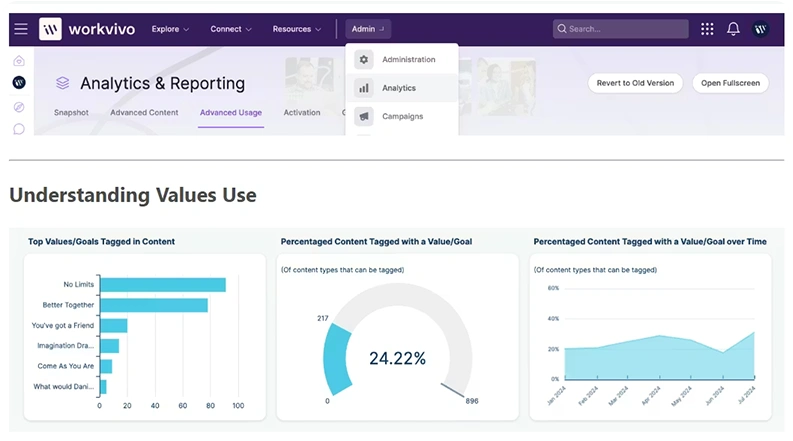
Workvivo is often shortlisted when culture and engagement are central, and the directory supports that. Its People Directory and profiles are designed to be built from HR system data, so updates flow from the source of truth. In practice, it works well for both desk and frontline teams when mobile reach matters. If you want corporate directory software inside a broader engagement hub, Workvivo belongs on the list.
People data plus engagement signals can show whether the platform is actually used.
Cons: Pricing and packaging are typically discussed via demo.
Usually quote-based; cost varies by users, features, and rollout complexity.
Orgs that want comms, recognition, and people discovery to live together.
Review Highlight: G2 reviewers often mention Workvivo as a central space for updates and recognition that feels familiar, especially for distributed teams.
Conclusion
A directory is not a side project. It is the layer that decides how fast people connect, onboard, and solve problems. Pick one system of truth, keep permissions tight, and make the search the hero. When the tool lives where employees already work, adoption stops being a push. It becomes part of the day.
Most teams use an HRIS or HCM as the source of truth, then connect it to a directory or intranet hub. The best setup keeps one system authoritative and syncs changes out.
It is a searchable place to find people by name, role, team, and contact paths, often with org structure and profile fields like skills or location. A well-run staff directory stays updated through sync, not manual edits.
Employee Directory software is typically a paid subscription, with pricing based on organization needs and size. A time-boxed trial is available (commonly 7 days on AppSource), so you can validate search, profiles, and admin controls before rollout.
Start by choosing your system of record (HRIS or identity), define required fields, then sync profiles into a directory tool. Add org structure, filters, and permissions, and set a monthly governance rhythm so the directory stays trusted.